Guide
Captions and AI translation for universities: graduations, welcome days and academic events
Graduating classes from many countries, families travelling in from abroad and speakers who switch languages: how a university or a business school can bring every ceremony to all of its students.
Universities and business schools welcome students from many countries every year. At the big moments of the academic calendar, such as the welcome day, a keynote lecture or the graduation with families in the stands, every word has to reach everyone at once. Here is how it works with Link3rs, based on real ceremonies.
Which academic events call for several languages?
- Welcome days. Newly arrived students who aren’t yet at ease in the language of the campus.
- Graduations. The graduating class, their families and the guests, each with their own language.
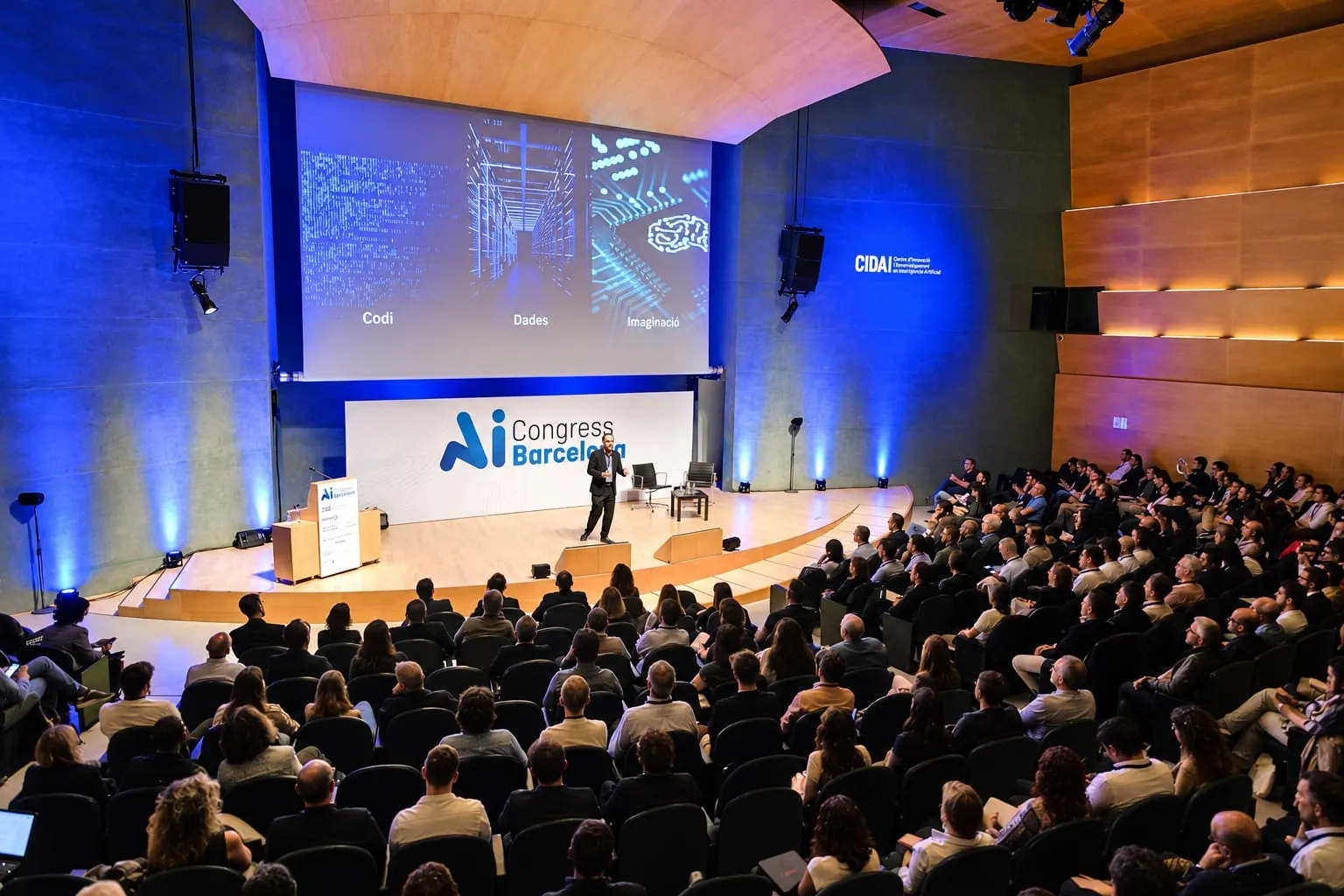
- Lectures, study days and congresses, often with speakers from abroad.
- Festivals and series with a Q&A, where the audience asks and the authors answer.
How do you caption a graduation in an arena?
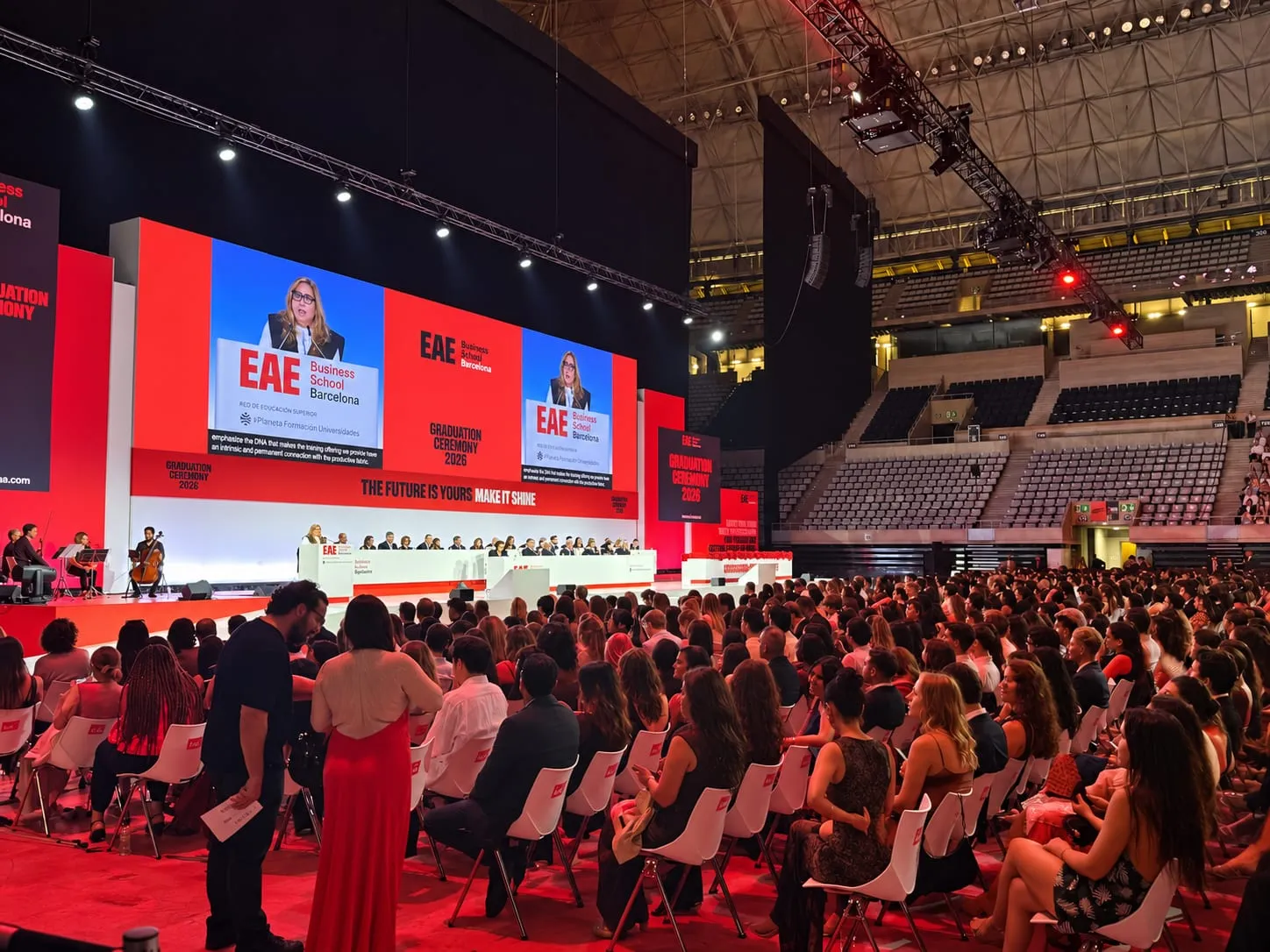
With Captions on the big screens. EAE Barcelona’s 2025-26 class, with undergraduate and master’s students from many countries, held its graduation at the Palau Sant Jordi. Every speech appeared captioned and translated in real time on the arena’s screens, so nobody had to look away from the stage to understand who was speaking.
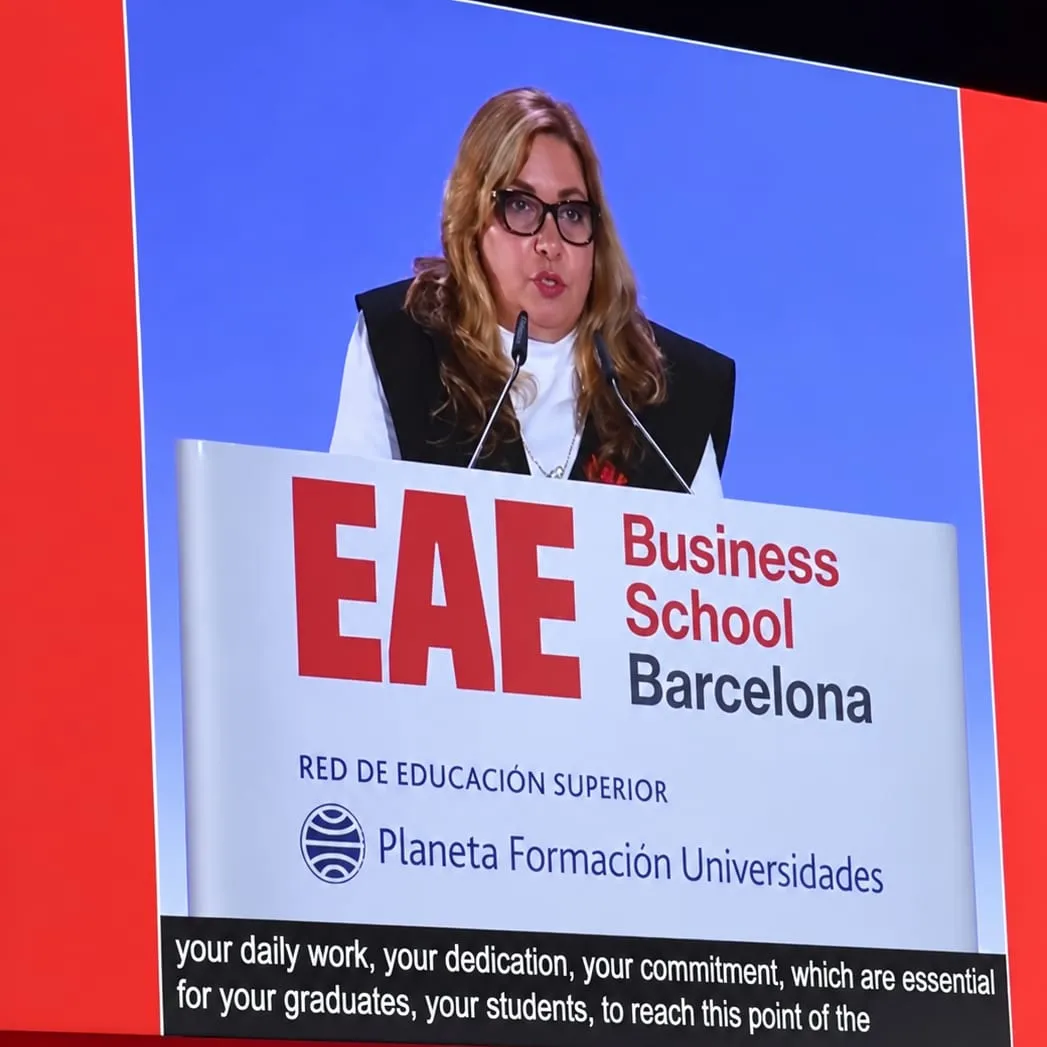
At a ceremony like that, the screen has a clear advantage: everyone sees it at the same time, from the front row to the top of the stands, without anyone having to take out a phone.
And a welcome for students from many countries?
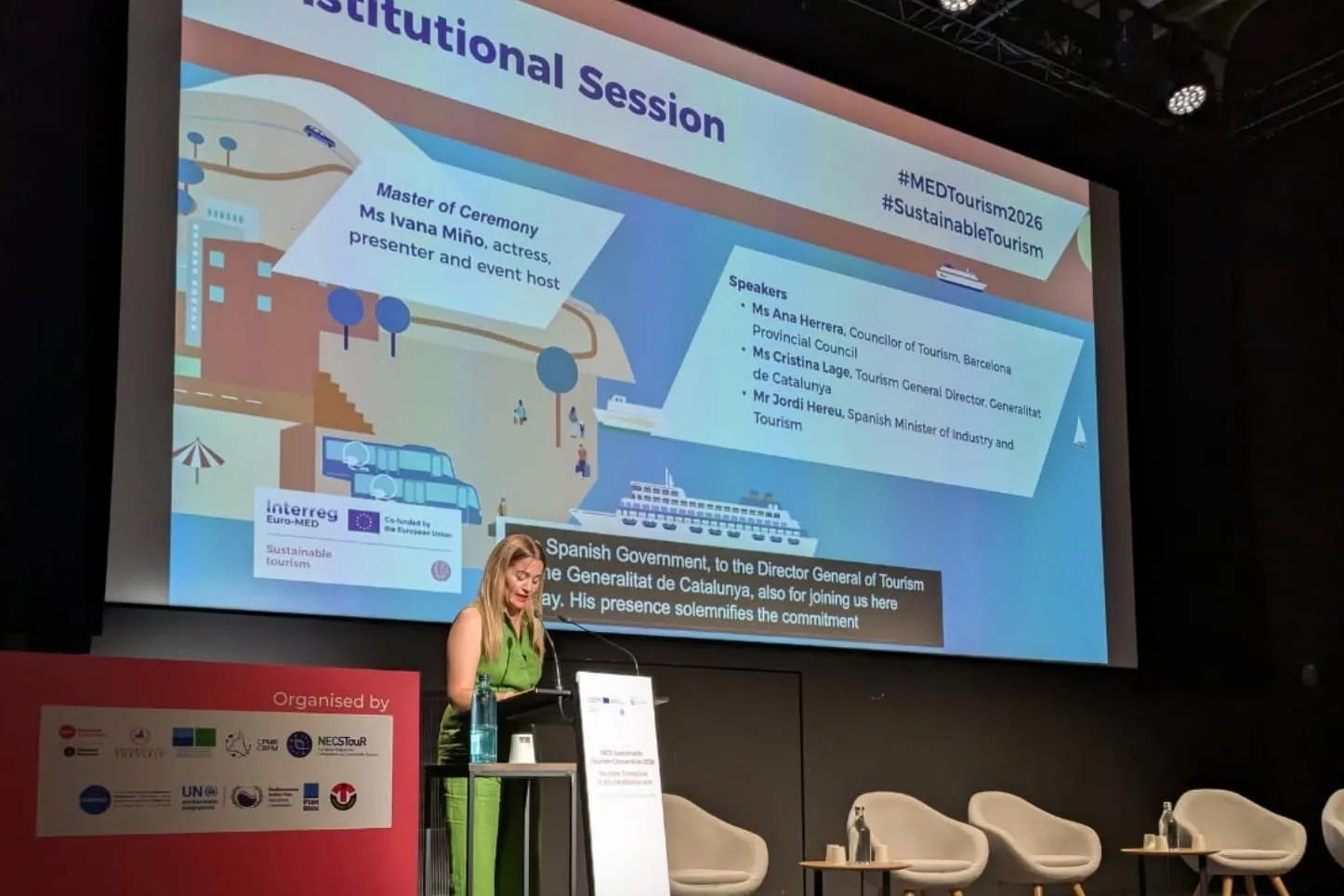
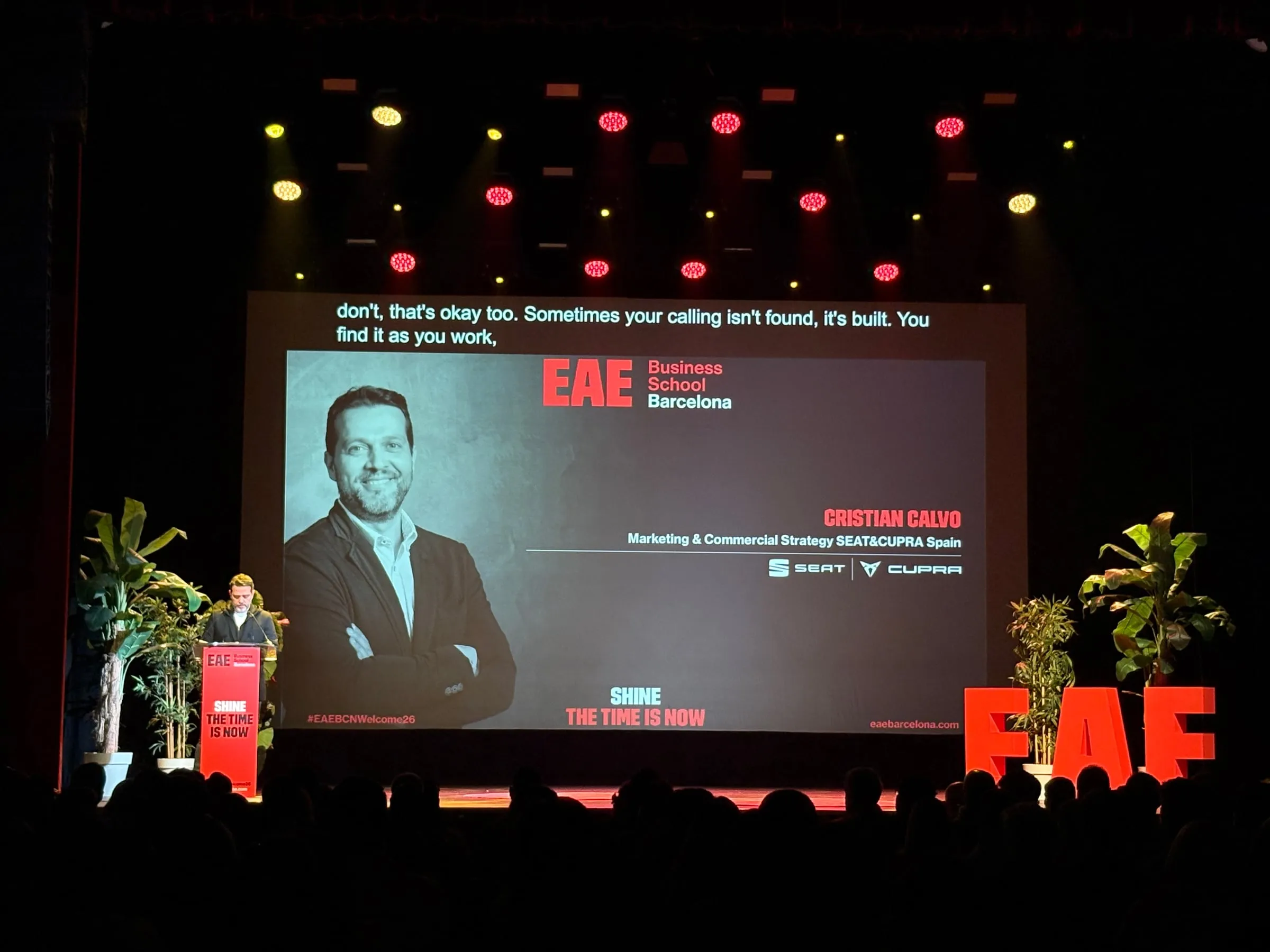
Three months after its graduation, EAE Barcelona turned to Captions again for Welcome Day 2026, the welcome for its new master’s students at Sala Paral·lel 62. The school’s team, its guests and speakers from industry took turns at the lectern, and everything said appeared in English in the strip at the top of the screen, above the slides. That’s what the cover shows. Meanwhile, our team watched every line on a laptop from the back of the room.
And at a festival or a Q&A?
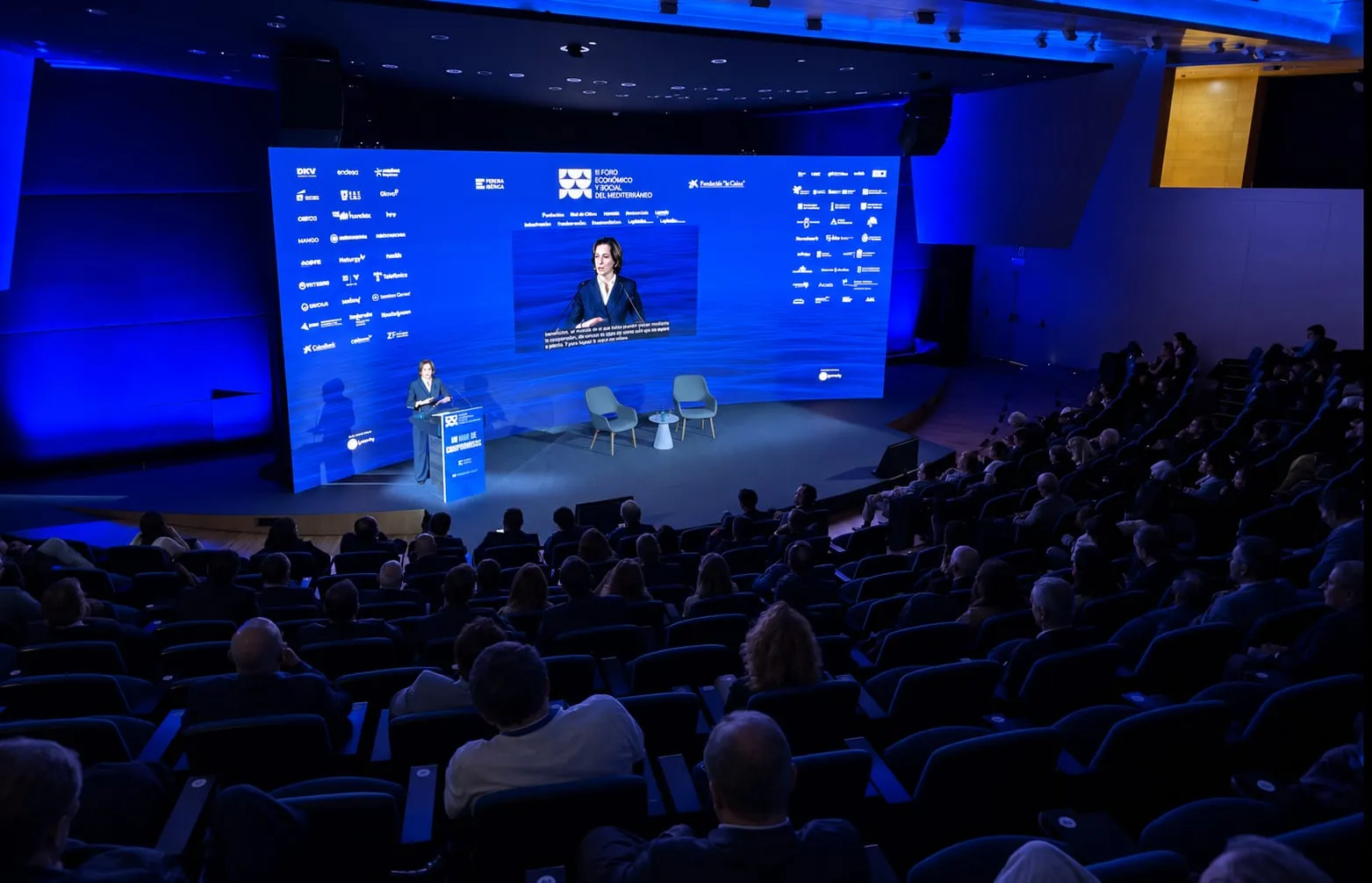
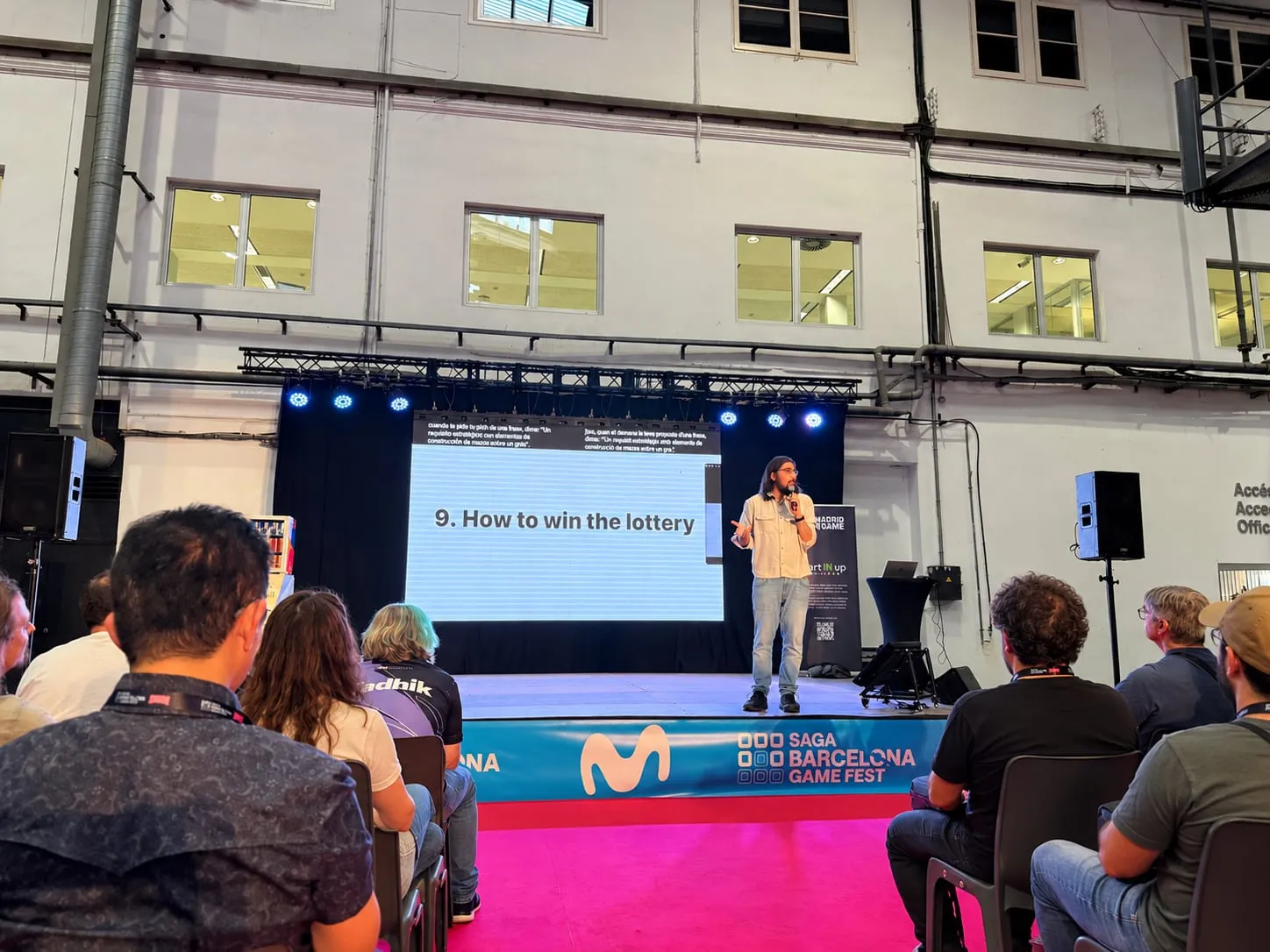
Q&A sessions can be captioned too. At the +RAIN Film Fest 2025, championed by Universitat Pompeu Fabra and devoted to cinema created with artificial intelligence, filmmakers talked about their films on stage and their words appeared in Catalan on the room’s screen. The audience read them at that very moment, without looking at their phones.
What does each student gain from their phone?
With Speech, each student scans the event’s QR code and follows it on their own phone, without downloading any app:
- Their language, out of more than 60, to listen to through headphones, interpreted by AI, or to read live.
- The original beside the translation, very handy for anyone still learning the language of the campus.
- Reading on their own terms: bigger letters, other colours or a font designed for dyslexia.
- The key ideas in their inbox, thanks to Insights, with no need to take notes during the session.
How do names and terminology come out right?
Before the ceremony, the programme and the presentations are uploaded to Knowledge. With that, each speech gets its own glossary: the names of those taking the lectern, those of the institution and the terms of each discipline, which then come out correctly on screen, in the interpretation and in the summary.
What is left after the ceremony?
When it ends, the event is divided into speeches, and chapters and summaries come out ready to share, for instance on the school’s website or in the alumni newsletter. Any quote is checked against the transcript before it is published.
What should you prepare?
- The academic calendar: which events there are and who attends each one.
- The languages: the language of the event and those spoken by the class.
- The screens: where the captions will go, in a strip above the slides or on the venue’s big screens.
- The QR code: in the programme, in the invitation for families and on the screen before it starts.
- The material for Knowledge: programme, presentations and the running order of speeches.
- Who runs it: the university’s events team, from Backstage, or the Link3rs team.
Read next: Speech or Captions: how to choose for each room at your event and How to make your event more accessible with live text.
The live captions page brings together more examples of screens. And if you already have the academic calendar, tell us which events your university is planning.