Guide
Speech or Captions: how to choose for each room at your event
AI interpretation on every attendee's phone or live captions on the screens: what suits a plenary, a panel, a trade fair or a gala, with examples from real events.
Live gets the words spoken on stage to the audience in two ways: Speech sends them to each attendee’s phone, to be heard as AI interpretation or read live; Captions puts them on the event’s screens, in full view of the whole room. You don’t have to pick one for the entire event: what decides it is the format of each room and who is sitting in it. Here are several formats, with examples from events we have worked on.
How do Speech and Captions differ?
With Speech, each person scans a QR code and the session opens in their phone’s browser, with no app and no sign-up. They pick from more than 60 languages and decide whether to listen to the AI interpretation through their earphones (or on a receiver, if the venue prefers), read the text, or do both.
With Captions, the text appears on the room’s screens: the main one, the side screens or a strip at the foot of the stage. Everyone reads it at once and nobody has to take out a phone. The trade-off is that the screen is shared: it shows the original language, a translation or several languages, up to four, each in its own strip.
What works for a plenary with a big screen?
If the whole room faces the same stage and the screen is easy to see, Captions is the most direct option: people only need to look up. At the European Pulse Forum, captions ran on the screens in the room at CosmoCaixa, Pedro Sánchez’s closing speech included. At +RAIN Film Fest 2025, the screen showed in Catalan, below the festival artwork, what a filmmaker on stage was saying about his film.
If many languages share the room, or some people would rather listen, add Speech: the screen serves the room, and the phone serves each person.
And for a panel discussion?
In a debate with several voices, the text can share the big screen with the presentation. While a round table at Barcelona Activa’s career guidance congress discussed the extraordinary regularisation, the screen in the DHub auditorium carried Catalan captions along its lower edge, with the slides right above them.
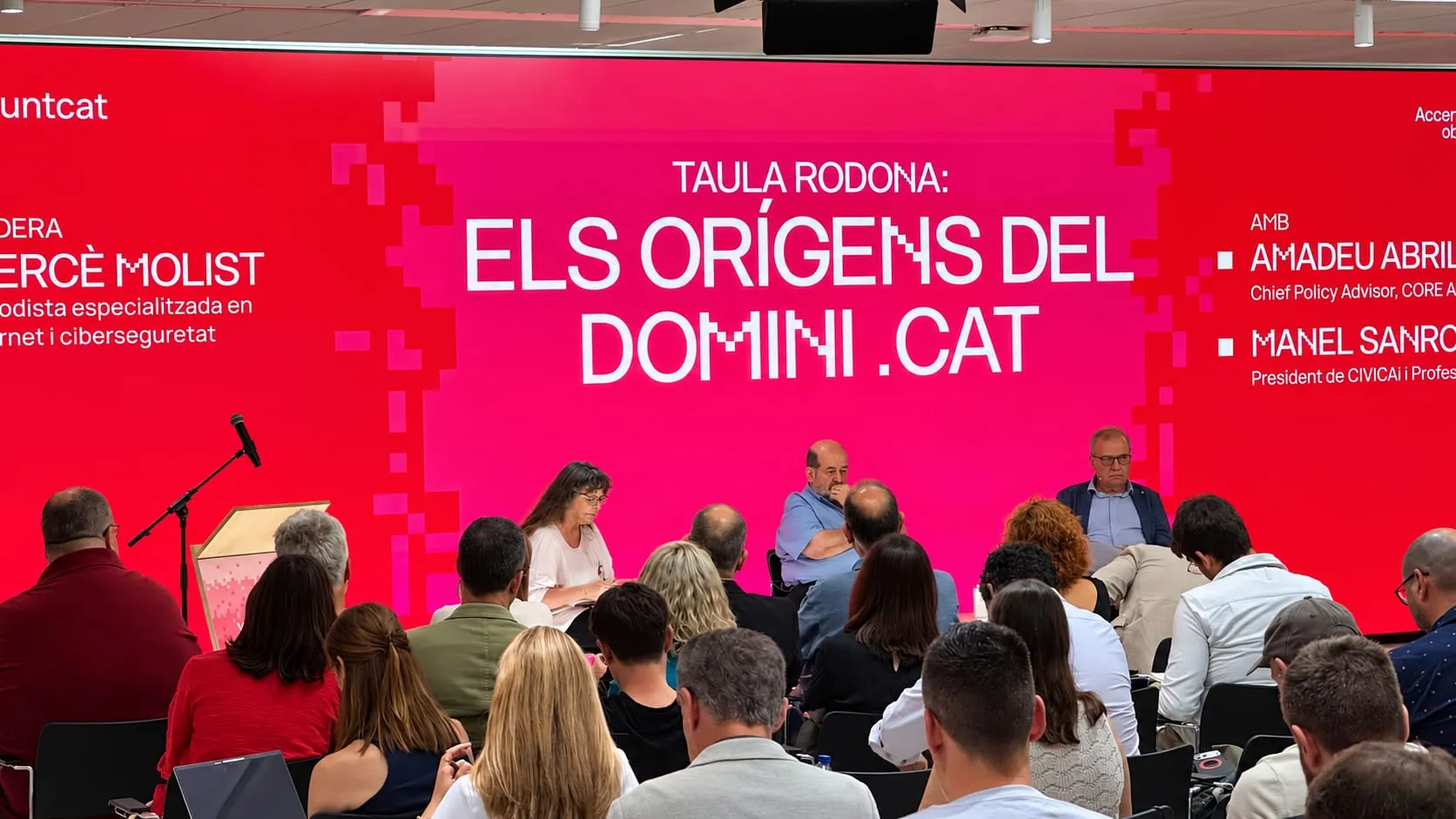
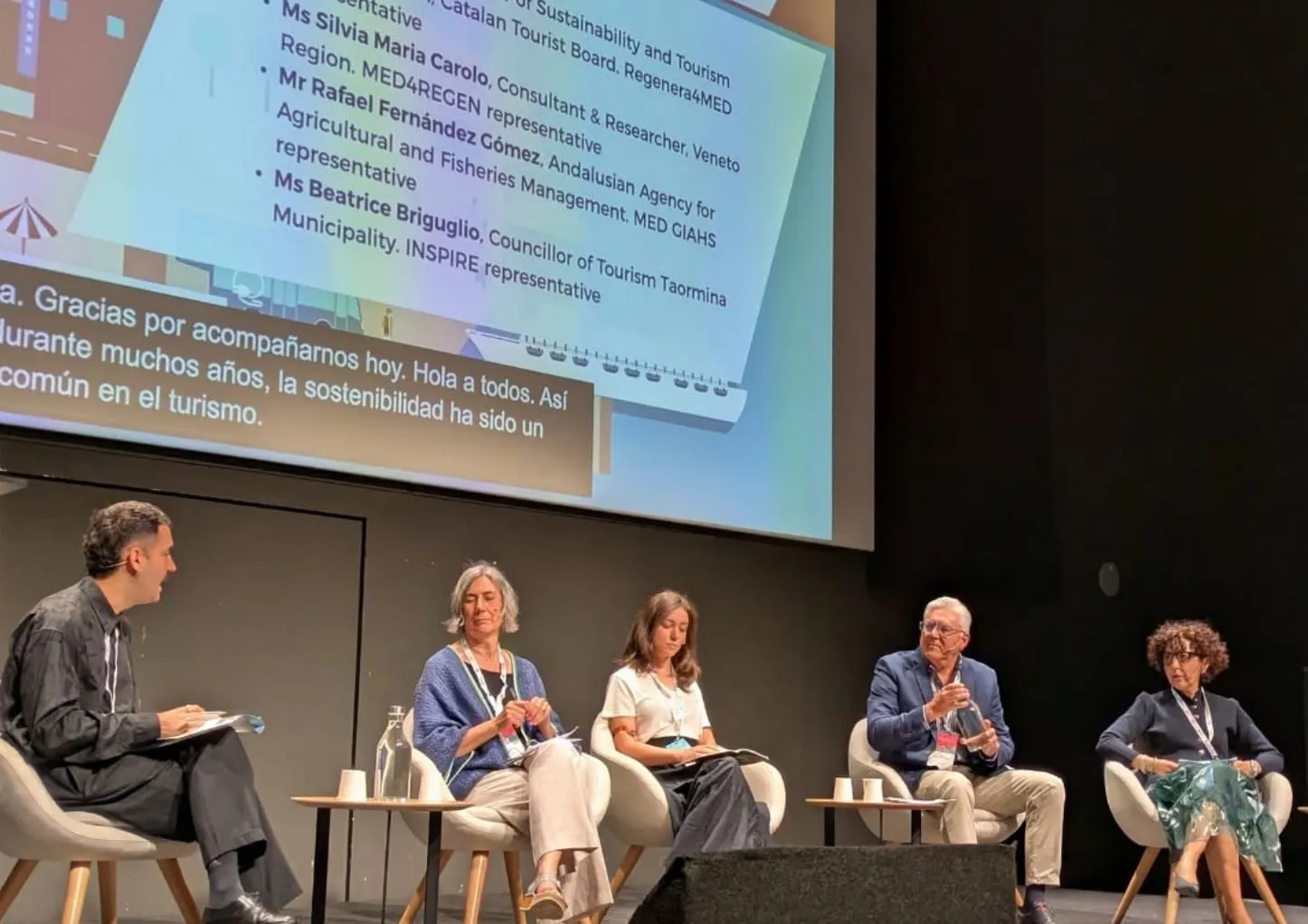
If the panel is international, Speech lets every listener follow it in their own language. At the COAC, during the .cat domain’s anniversary, one of the panels brought together international voices from the domain industry, and each attendee could choose on their phone which language to follow the day in, and whether to hear it or read it.
What if more than one language is spoken?
In a bilingual session, the language changes from one speaker to the next. For the screen, Backstage has Conditionals mode: you set a language pair, such as Spanish and English, and whatever is said in one appears as captions in the other, without anyone touching the selector. Two languages can also share the screen: at DEMOS 2026, the auditorium screen carried Spanish and Catalan along the top, each in its own strip, and a laptop running Backstage handled both strips.
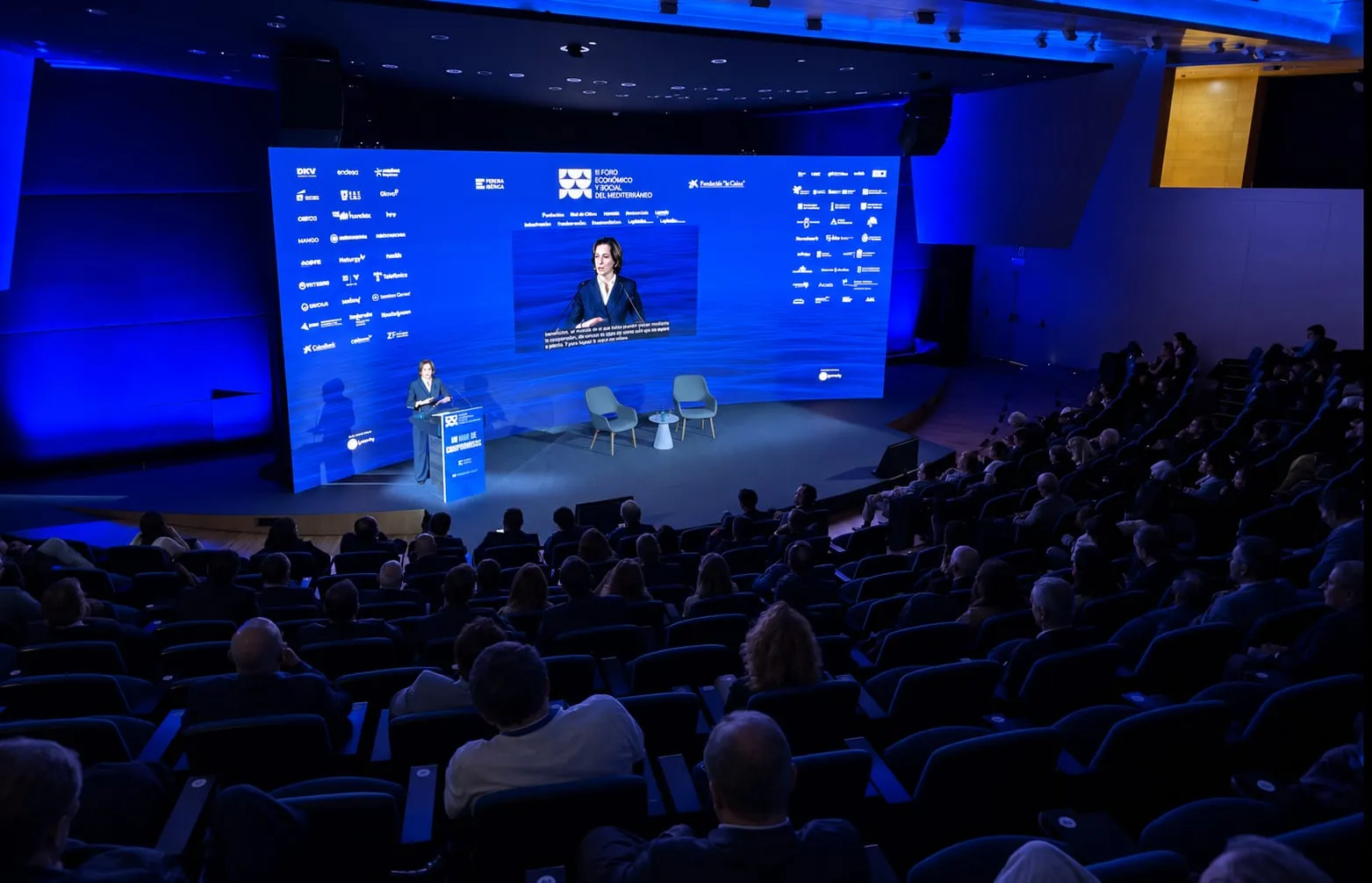
If the programme brings together speakers from many countries, Speech does the opposite: it lets each attendee stay in their own language. At CosmoCaixa, the line-up of Prensa Ibérica’s III Foro Económico y Social del Mediterráneo mixed Spanish voices with others from abroad, such as two European commissioners, and each attendee could choose which language to receive the debates in on their phone, to listen to them or read them.
And for open stages at a trade fair?
In an exhibition hall, not everyone is seated in front of the stage. At Talent Arena 2025, Captions put the talks in a strip on the auxiliary screens throughout the venue, readable from any corner, and all it took was sending the captions to screens that were already running.
Captions was also the choice at SAP Connect Day, where seven parallel sessions shared a hall at IFEMA Madrid around a central stage: above it hung a large multi-sided screen carrying captions translated into English.
What works for a gala or a graduation?
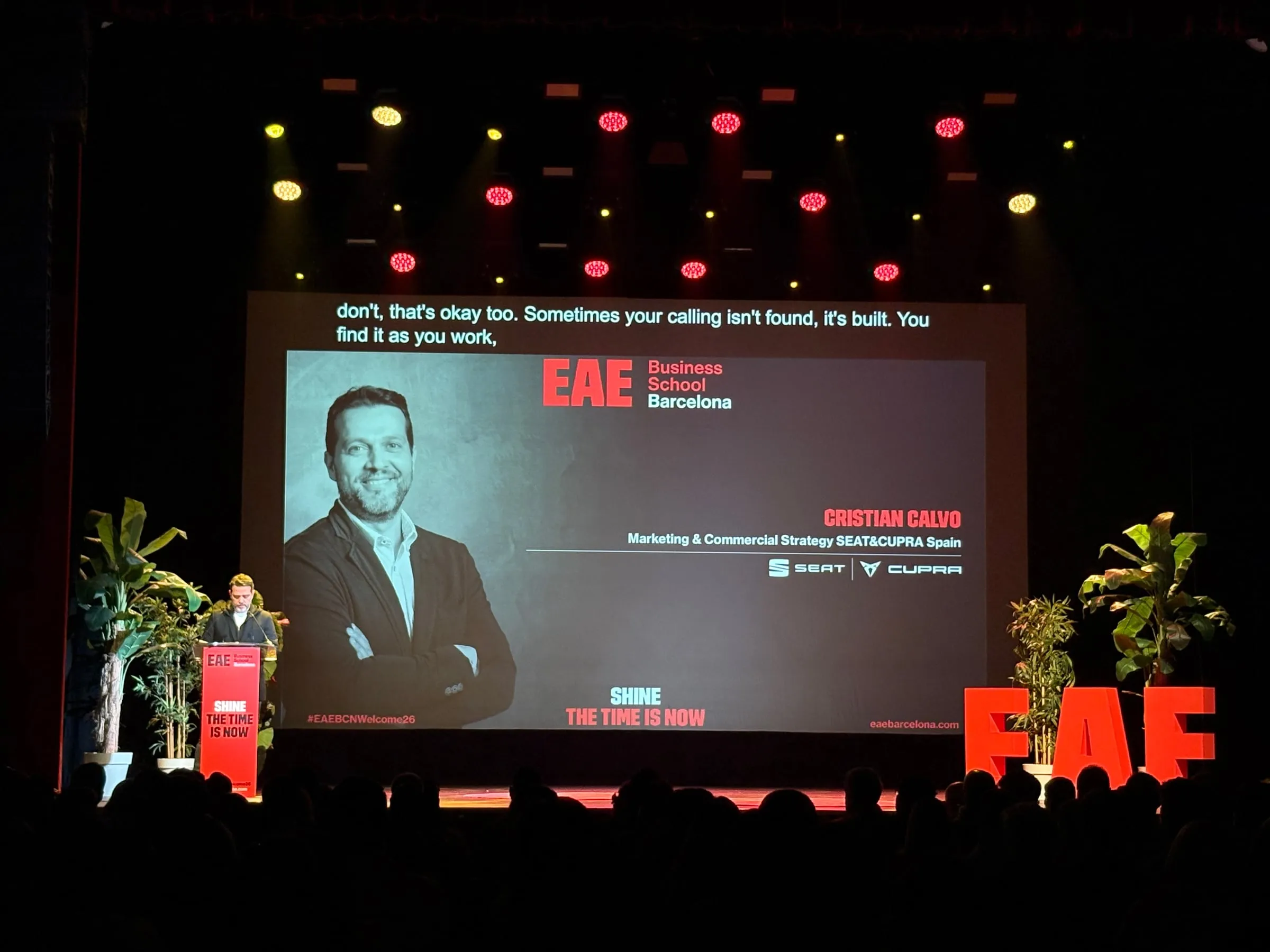
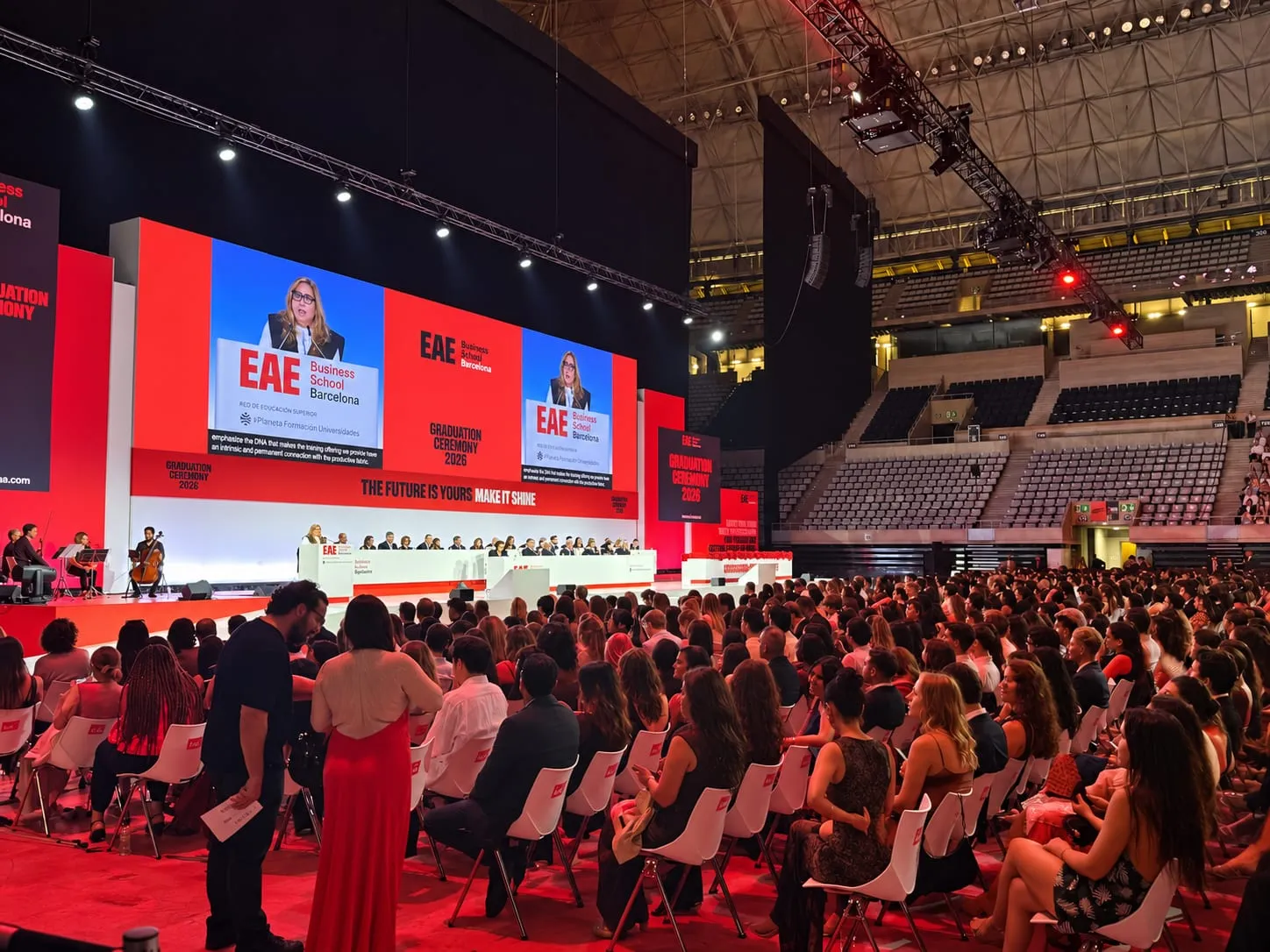
At a ceremony, the speeches are what count, and both routes work. At EAE Barcelona’s graduation, held at the Palau Sant Jordi, the class was very international, and the big screens on stage showed the speeches captioned and translated into English. For the UIA Gold Medal, presented in the Basilica of the Sagrada Família, we set up Speech instead: every guest could listen to the ceremony or read it in their own language on their phone.
If the room shares a common language, such as English, the screen is enough; if each guest needs their own, the phone is the better choice.
What if part of the audience needs accessibility?
Then the two add up. Captions on screen reach the whole room without anyone having to ask, and they are as useful to deaf and hard-of-hearing people as to those following the talk in a language they have not fully mastered. Speech adds what a shared screen cannot: each person can, on their own phone, enlarge the text, raise the contrast or switch to a typeface for people with dyslexia, and see the original next to the translation. There are more ideas in our guide to accessible events.
Can you combine them at the same event?
Yes. Speech and Captions are the two parts of Live and can run in the same session: the room reads the screen, and anyone who wants another language, or would rather listen, follows on their phone. That is how it worked at Talent Arena 2026, which also saw the first outing of the new version of Link3rs: on the stage screen, an interview in English came up with Spanish captions, while students, developers and professionals could scan a QR code, pick the language of each session on their phones, and then listen or read.
In Backstage, each room also has its own languages and its own mode, chosen when the room is created: the plenary can have captions and a breakout room, interpretation on phones.
Four questions help you assign the rooms:
- Is there a screen the whole audience can see? Captions makes use of it without asking anything of anyone.
- How many languages are needed? Up to four on screen; beyond that, Speech.
- Will people listen or read? To hear a translated voice, Speech; for reading, either works.
- Does anyone need to adapt the text? Size, contrast and typeface are changed on the phone.
Each product is covered in depth in Speech and Captions, how each room is set up in Backstage, and there is more detail in our guides to AI simultaneous interpretation and live captions. And if you already know which rooms your event will have, tell us about them and we’ll work out together what goes where.