Guide
How to make your event more accessible with live text
Captions on the screens and text each attendee can adjust on their phone: what each one brings and how to plan for them from the start.
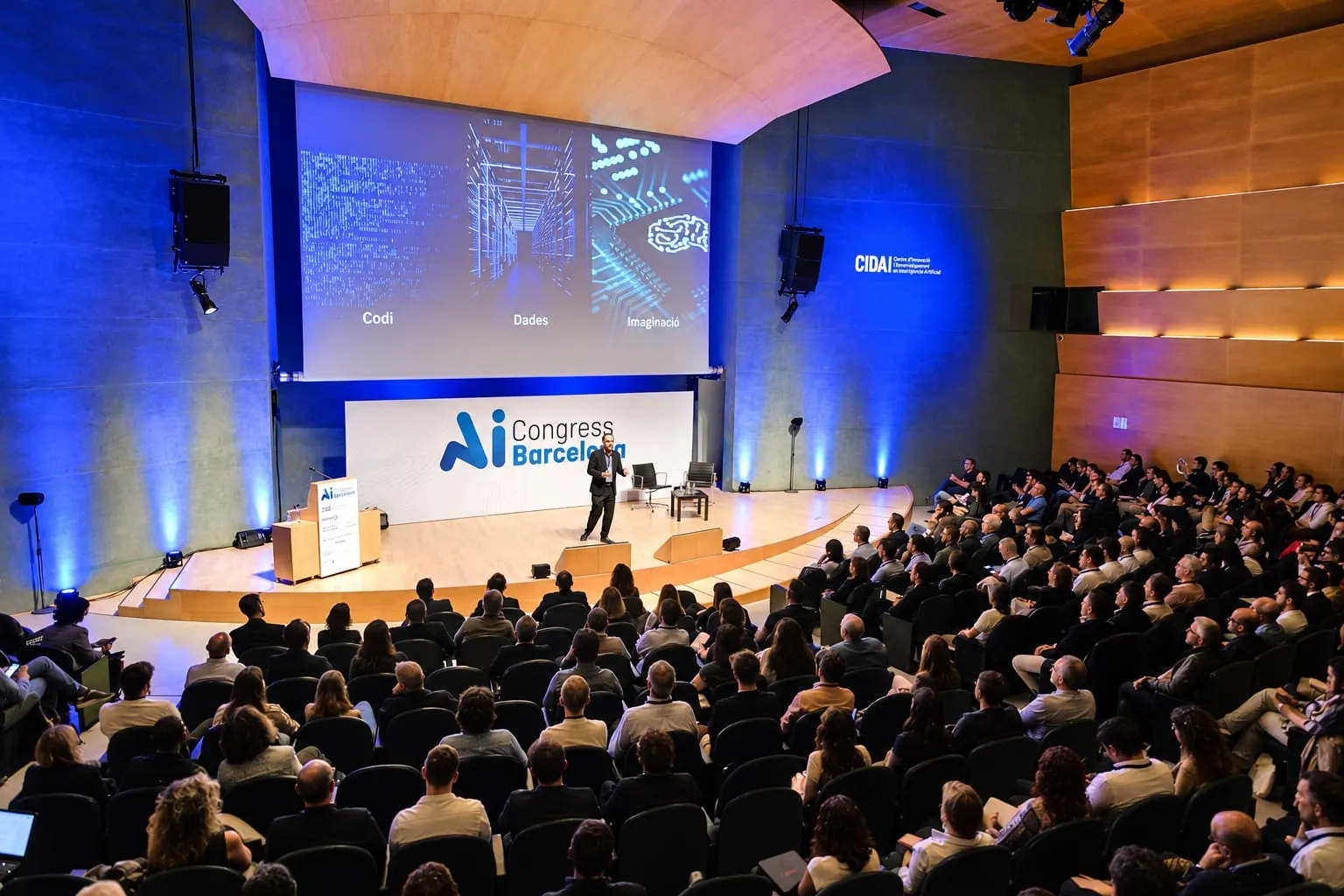
An accessible event is one that as many people as possible can follow on equal terms. Ramps and reserved seating are part of it, but so is the content: what is said on stage has to reach the whole audience, including attendees who are deaf or hard of hearing, people with low vision or dyslexia and people attending in a language that is not their own. Live text is a very useful tool to get there.
Why does live text make an event more accessible?
Because it turns speech into something that can be read. For someone who is deaf or hard of hearing, it can be the difference between following a talk and missing much of it. But the benefit reaches further: it helps in rooms with poor acoustics, it helps anyone whose attention drifts for a moment and wants to catch up, and it helps people who understand a language better written than spoken.
There are two complementary ways to offer it: on the room’s screens, for everyone, and on each attendee’s phone, for those who need to adapt it.
What do captions on the screens add?
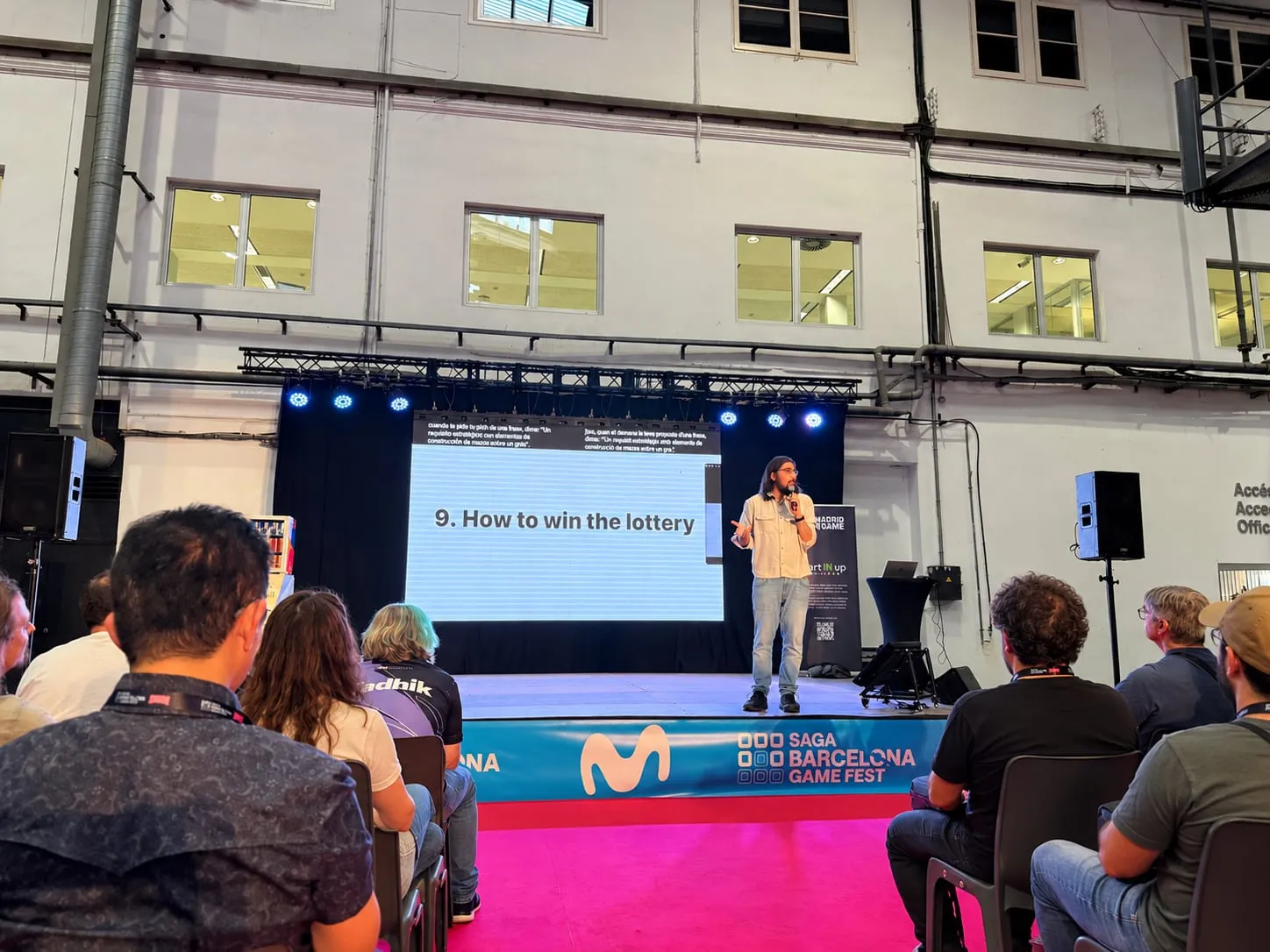
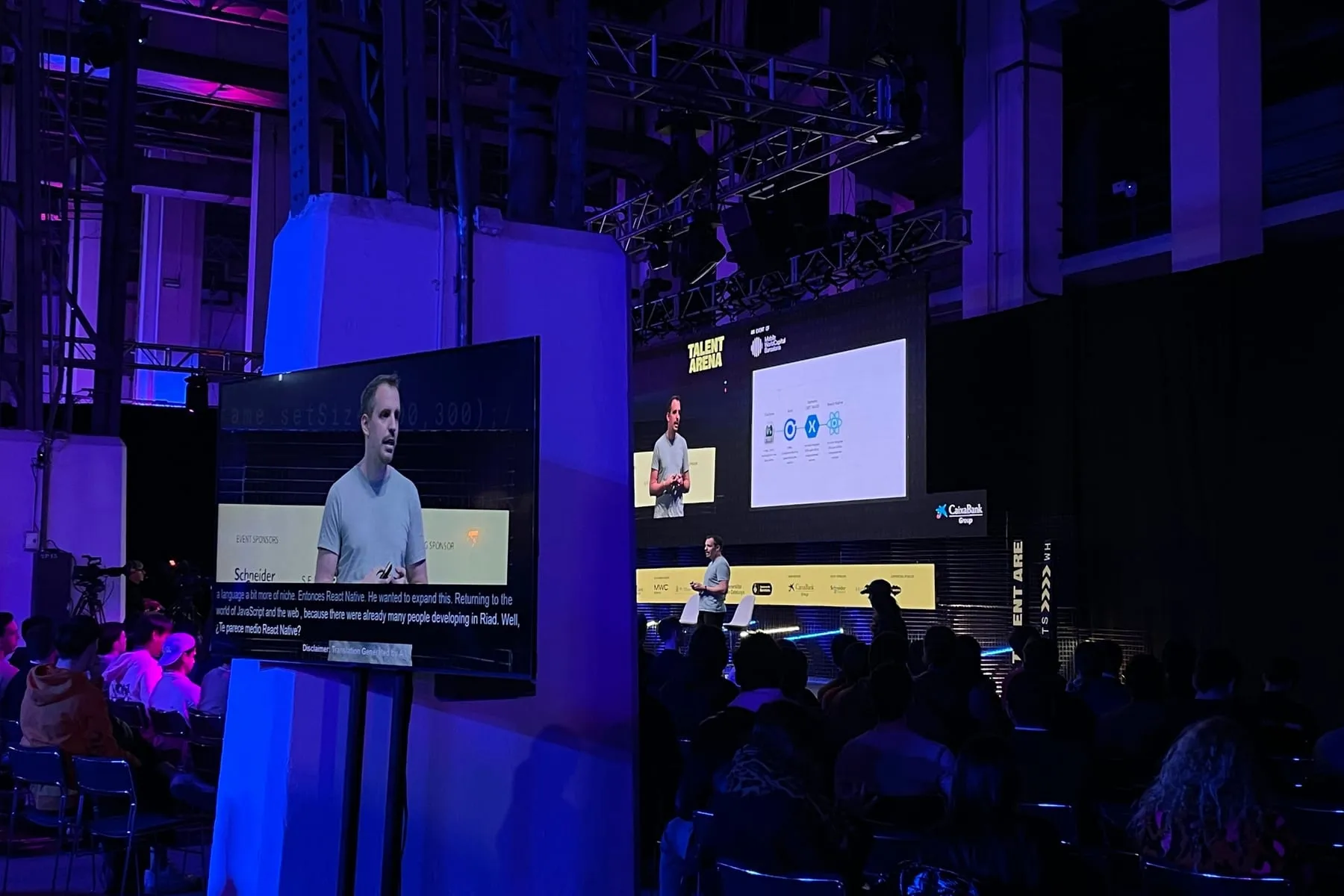
Projected captions have one clear advantage: they ask nothing of the audience. Nobody has to scan, configure or ask for help, so no one has to single themselves out to access the content.
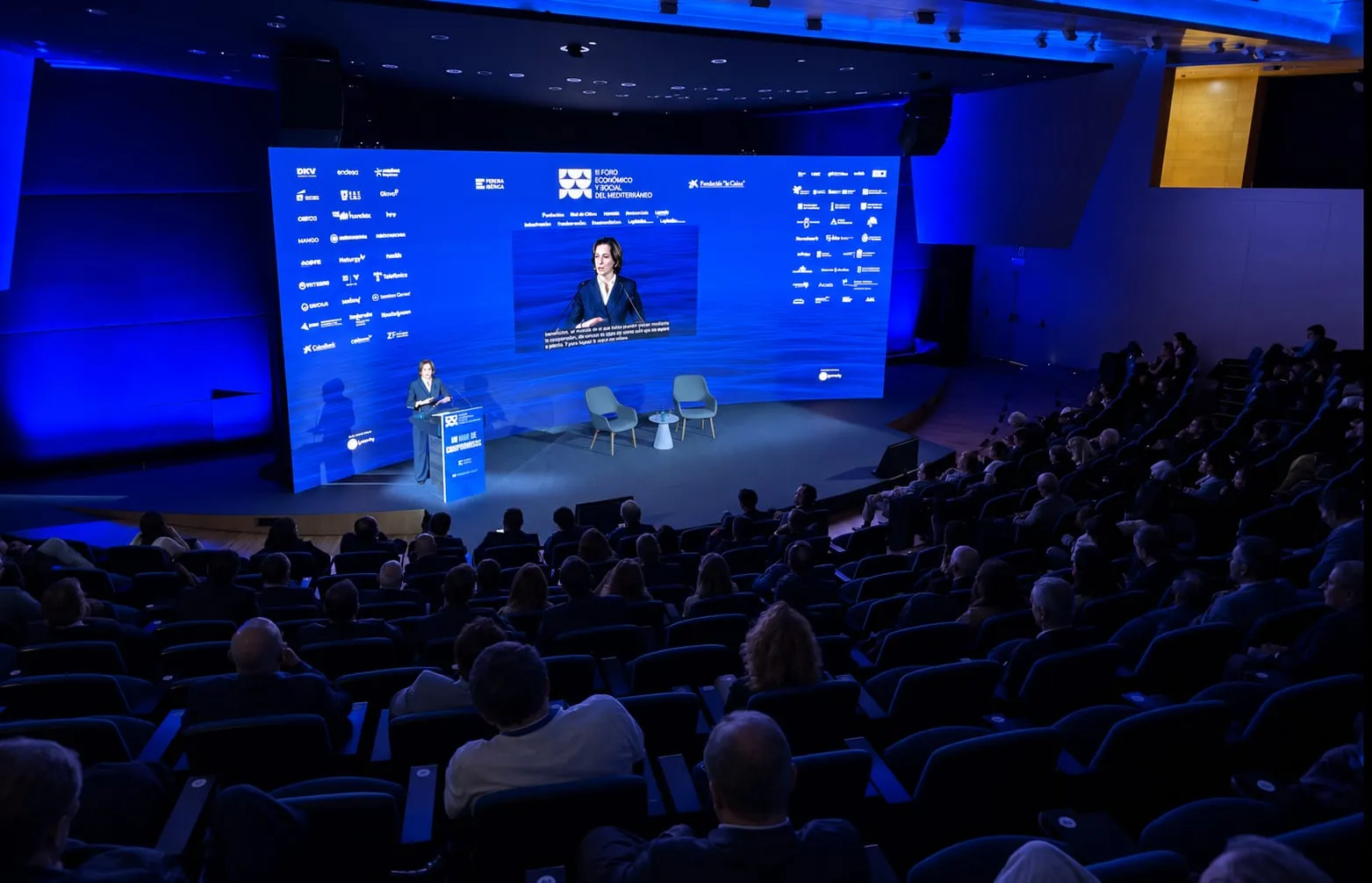
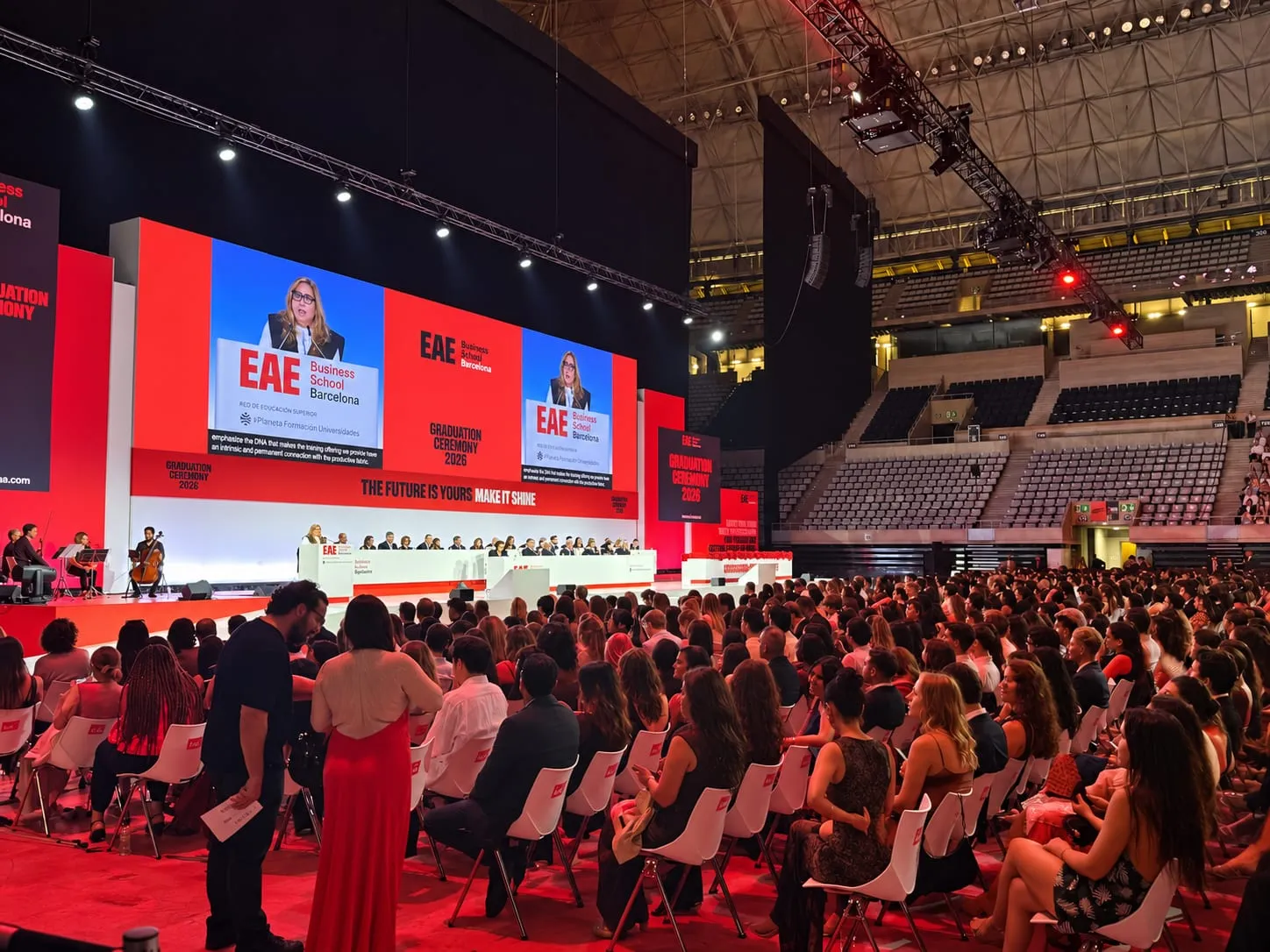
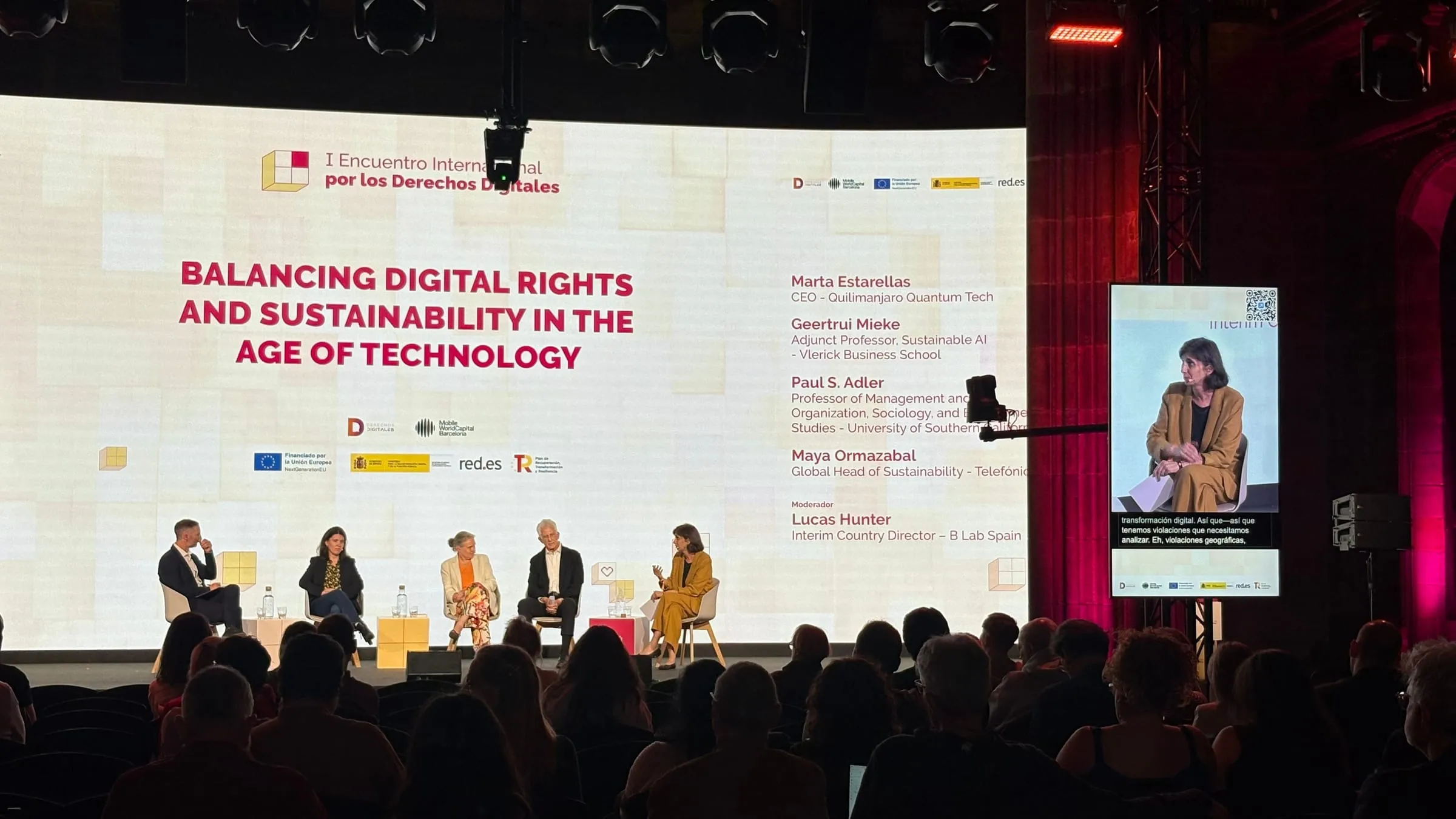
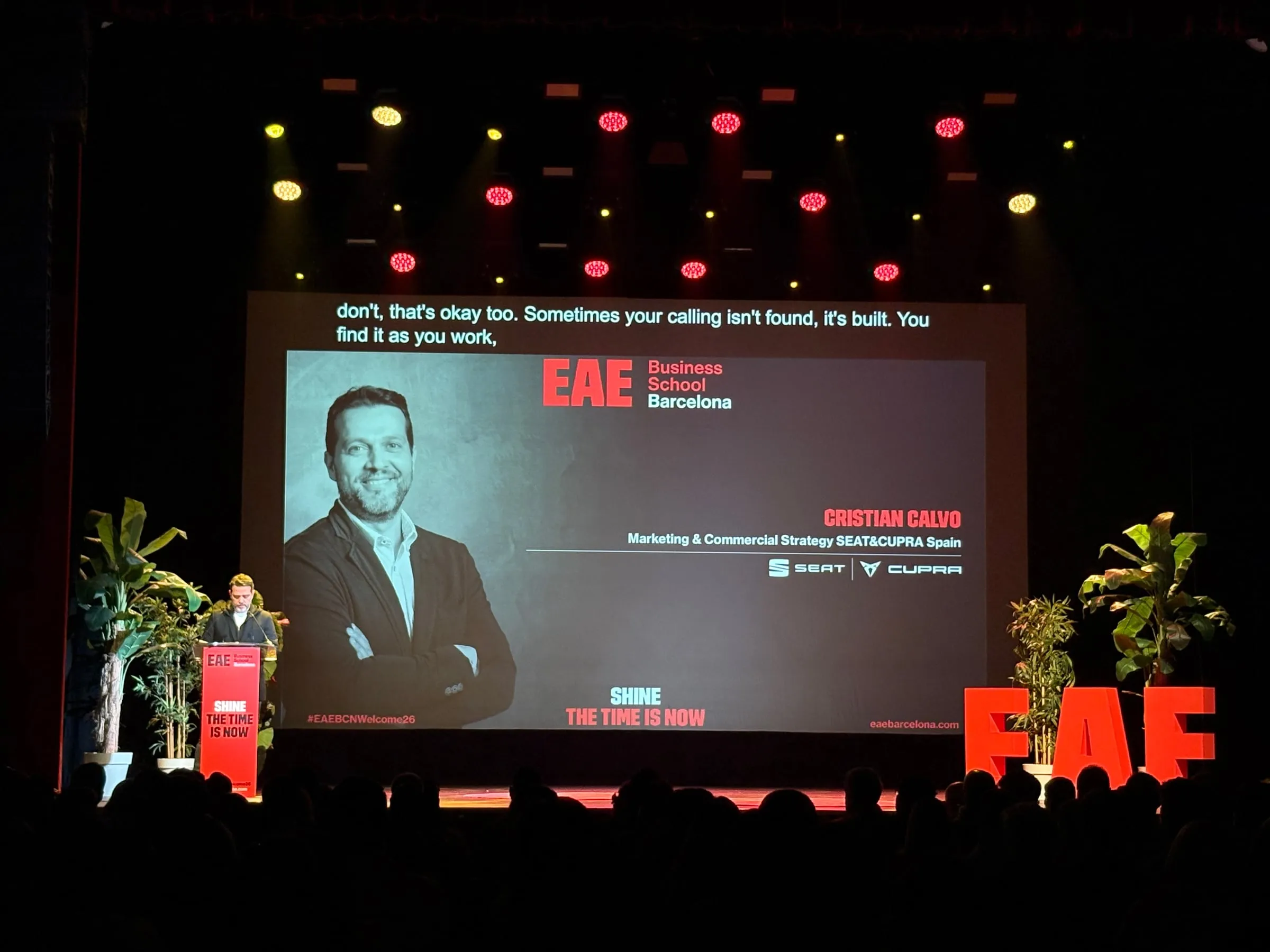
With Captions they can fill the big screen, the side screens or a narrow strip at the foot of the stage, either in the original language or translated. For them to work as an accessibility measure, pay attention to text size, contrast against the background and placement: ideally, they can be read from any seat without turning your head.
What if each person needs something different?
A shared screen cannot adapt to everyone at once, and that is where the phone comes in. With Speech, each attendee scans a QR code and follows the session on their own device, where they can:
- Make the text bigger.
- Switch on high contrast or change the text and background colours.
- Choose a typeface designed for people with dyslexia.
The settings are personal and affect nobody else. Someone with low vision can hold the phone closer and read at their own pace, wherever they happen to be sitting.
Why show the original and the translation together?
At international events, many people understand the speaker’s language, but not completely. Showing the original text next to the translation lets them compare, check an unfamiliar term or read in the language they feel most confident in. It is also handy for anyone learning a language.
What should you prepare before the event?
Accessibility works best when it is planned from the outset rather than patched on later:
- Announce it. Say on the event website and in registration that there will be captions and live text, so that anyone who needs them knows in advance.
- Make the QR code visible. On badges, at the room entrance and on screen before the session begins.
- Prepare the vocabulary. A glossary of proper names and technical terms improves the text in the words that matter most.
- Ask. If registration lets people state their access needs, you can plan for what no technology solves on its own, such as sign language interpreting or seats near the stage.
- Check the room. Make sure the captions are legible from the back rows.
You can see how text looks on the phone in Speech and how captions appear on screen in Captions; room configuration is covered in Backstage. Organisers will find the essentials in Link3rs for events. And if you want your next event to reach more people, let’s talk.