Guide
Live captions and AI interpretation for AV partners: vMix, OBS and your signal chain
For the production companies and technical crews who run an event's sound, screens and stream: how to add every language to the production without changing the way you work.
At an event, the technical side belongs to the production company: microphones, sound desk, vision mixing, screens and stream. Link3rs is designed to slot into that setup as one more piece, not to take anyone’s place. This guide covers where it connects, what reaches the audience and what changes (very little) in the control room.
Where does Link3rs connect in the production?
It depends on the mode chosen for each room in Backstage:
- Captions. The simplest case: one microphone, one screen and one operator. Up to four languages fit on screen, each in its own strip.
- Conditionals. For bilingual panels. You set a pair of languages and, when the speaker jumps from one to the other, the captions change language without anyone touching the selector.
- Speech to Speech. The audience listens rather than reads: one translated voice per language, in each person’s headphones.
- Mixer. When the room already has a sound desk. It handles real inputs and outputs, and every output is configured on its own: the signal it takes, whether that signal is translated or passes straight through, and its destination (the production’s sound card, the attendees’ phones, or both).
With Mixer, Link3rs joins your signal chain as it stands, without making you rebuild it.
How do the captions reach the screens?
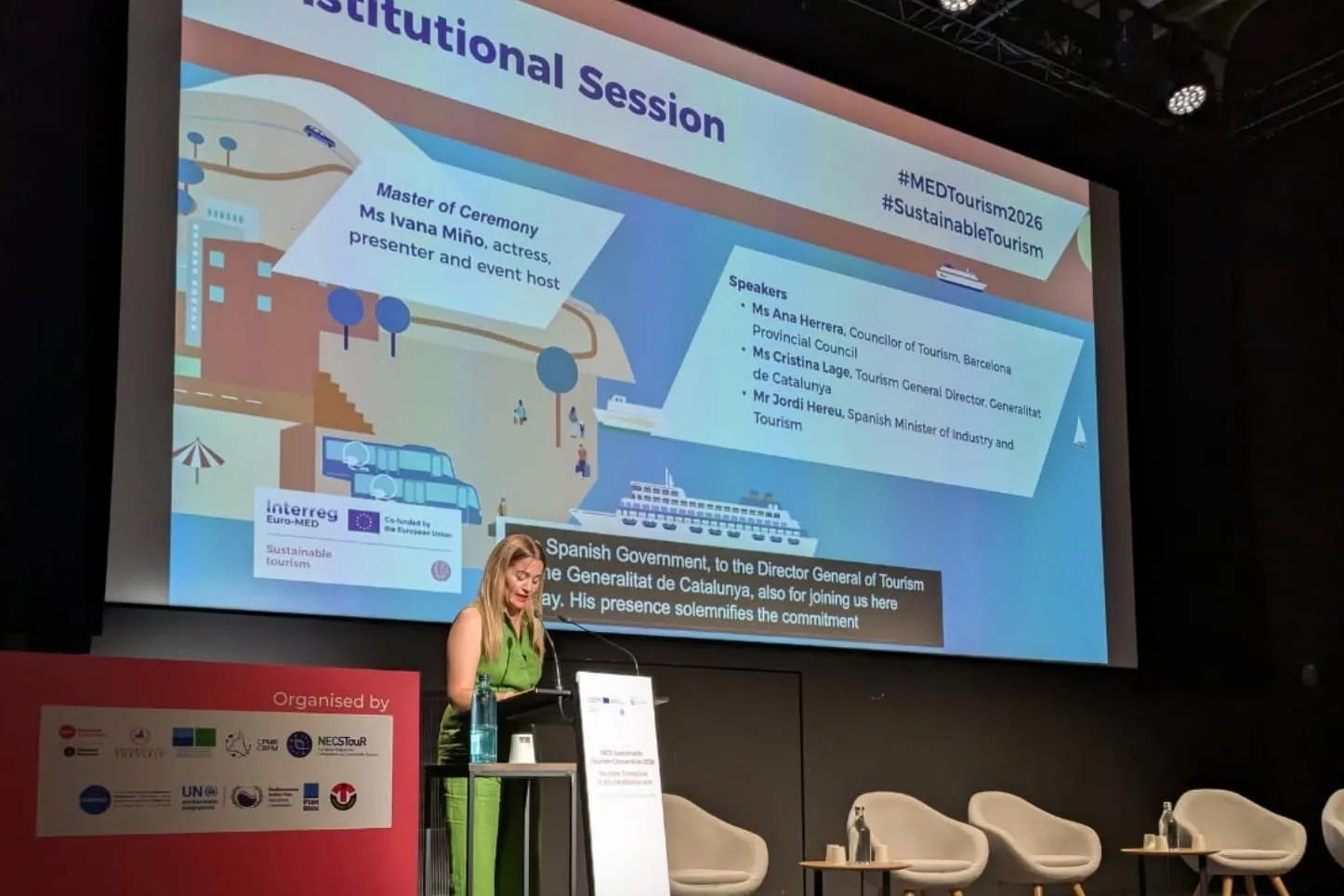
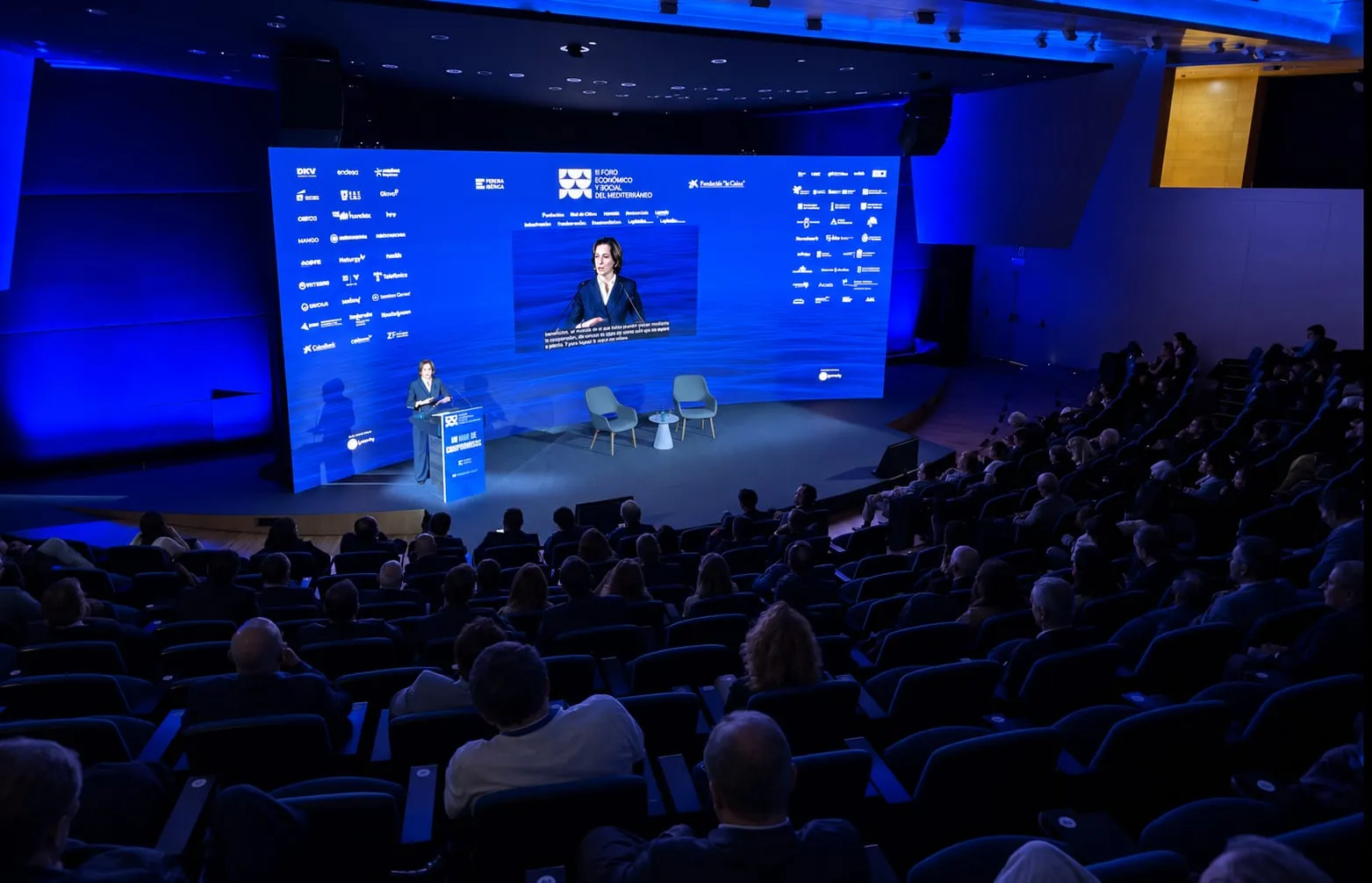
Captions delivers them wherever the production needs them: the LED wall, the screens at the sides or a band beneath the stage. Typeface, colour and position are adjusted to the event’s graphics, and the text moves in blocks of two or three lines, with a gentle fade if you want one.
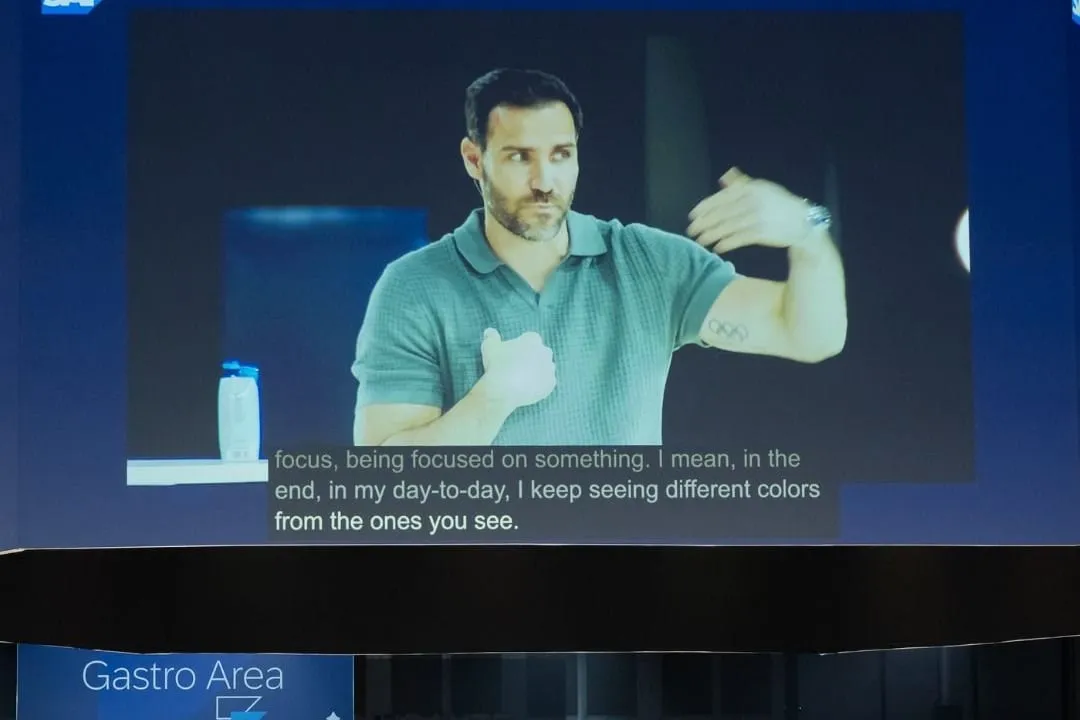
If the captions have to be composited with the camera image, a URL lets vMix or OBS pick them up, so they can be layered there with the rest of the signal. In the photo, from SAP Connect Day, the English text sits right under the camera shot of the speaker, on the big screen.
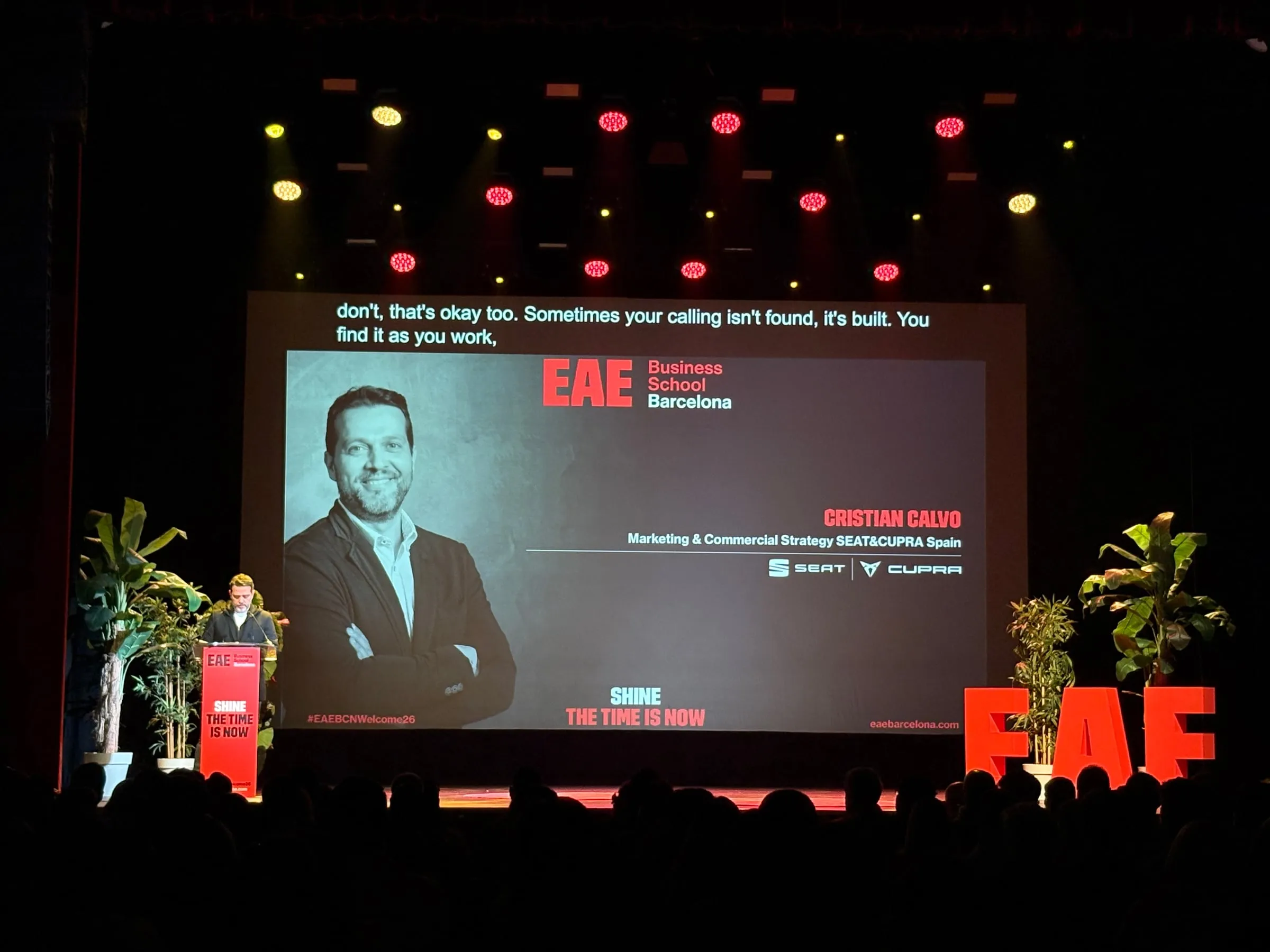
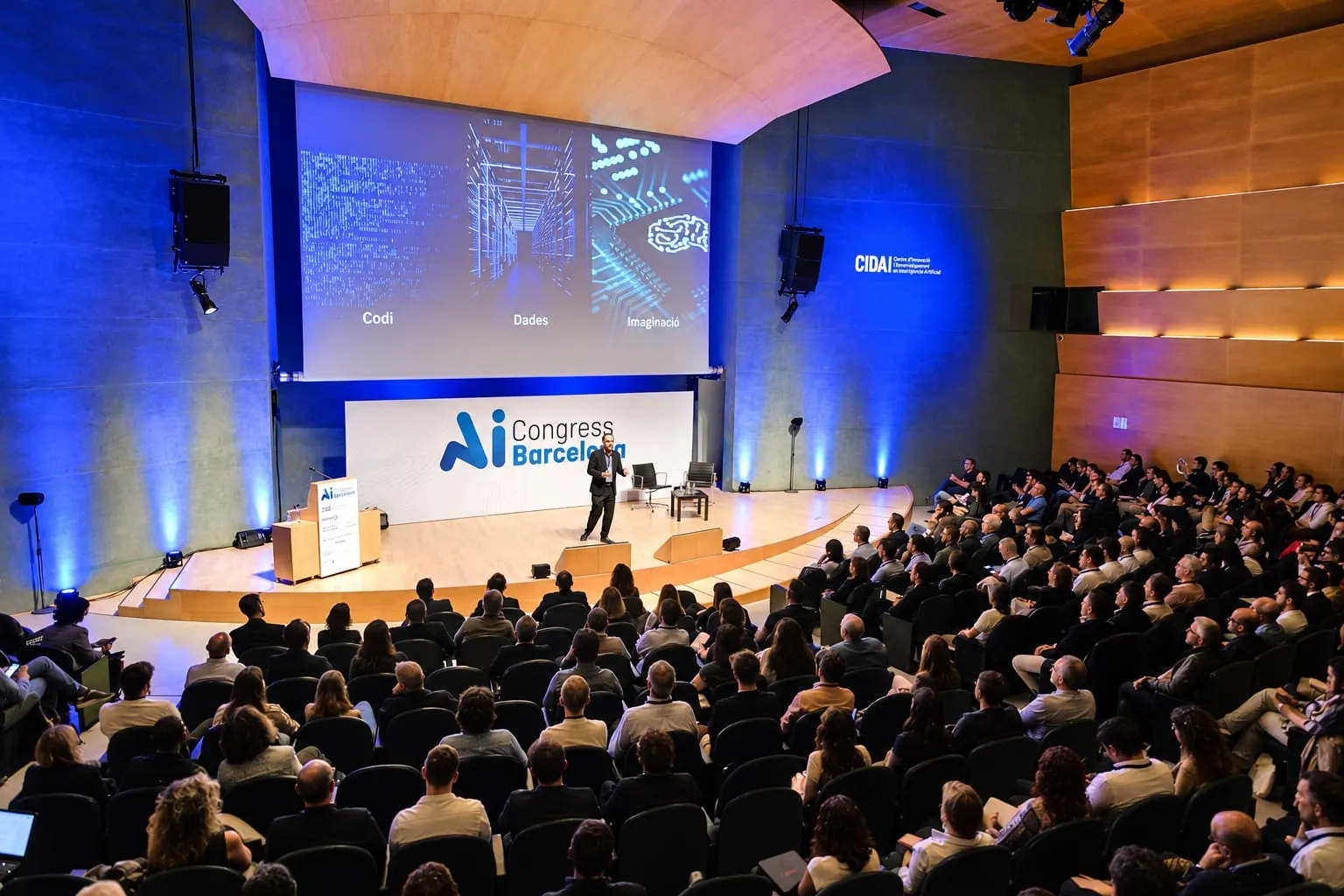
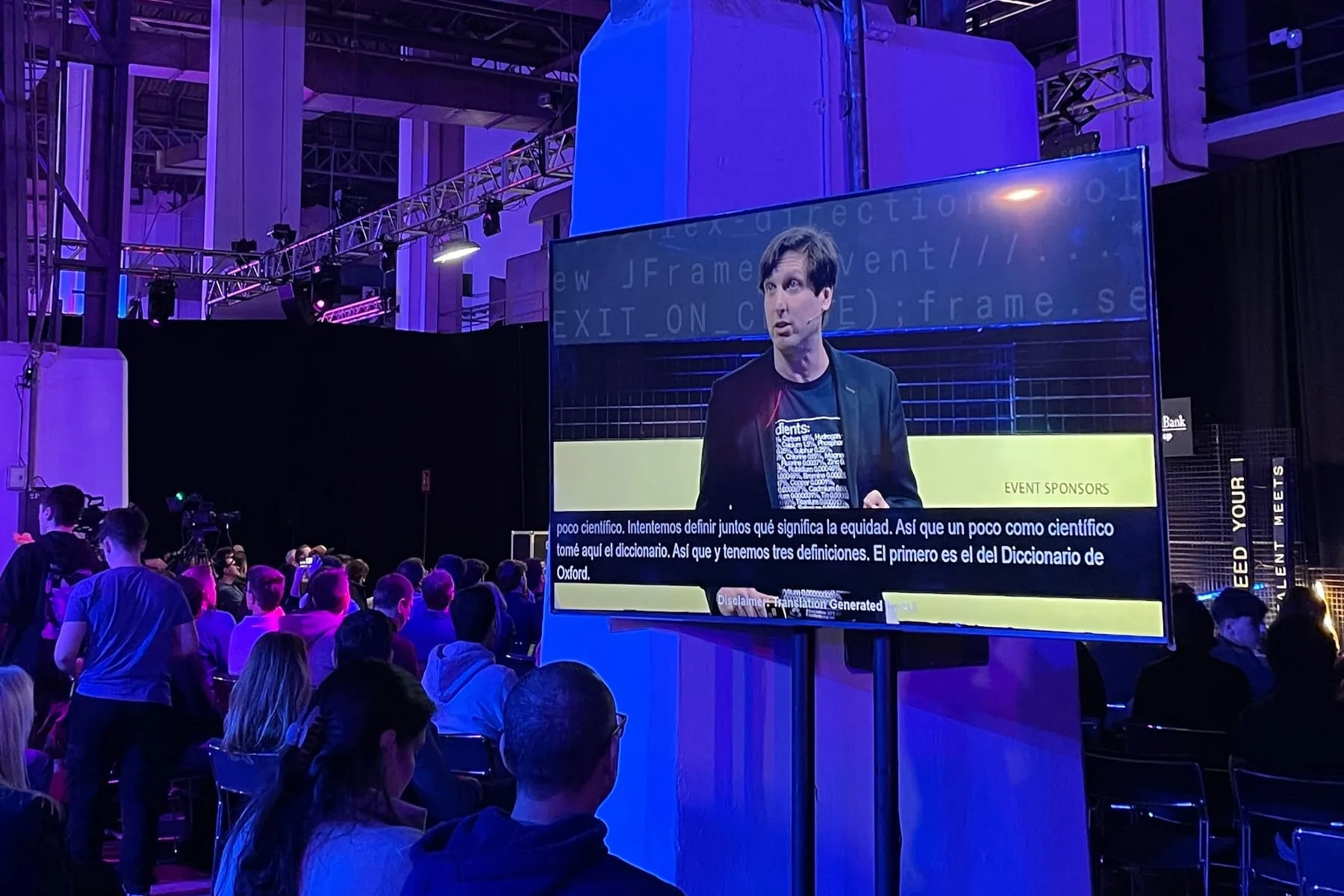
The Llotja de Mar’s auxiliary screens repeated the stage shot during Tech Spirit Barcelona 2025, and the strip of Spanish text sat beside the speaker and their slides. And at EAE Barcelona’s graduation, the speeches came out captioned and translated on the big screens of the Palau Sant Jordi.
What about the stream and the client’s website?
- Streaming. With a key and its RTMP address, the signal goes into the platform without the technician having to open it.
- The client’s player. By pasting one line of code, the captions appear inside the player on their own website.
- Access per crew. Each production crew receives a link valid for that day: it sees its own connection and nothing more, and it can be cancelled at any time.
Does anything that already works have to change?
No. The cover shows one of the auxiliary screens at Talent Arena 2025: the image of the speaker at the top and, underneath, what they were saying, in Spanish. We brought the captions to the screens that were already running at the Montjuïc venue, without adding any or altering the production.
What gets checked before the doors open?
- Crosscheck. With some twenty minutes to spare, a single button reviews the microphone, the venue’s network, the latency and whether the Wi-Fi lets the necessary traffic through. If something is wrong, there is still time.
- The console, armed early. It can stay ready for hours beforehand and, when someone speaks, it starts without a single click.
- Languages in an instant. Every language is always running, so pressing a preset only decides which one goes on screen.
- The console in your pocket. Held upright, the phone is the console; turned sideways, the preset board. The technician can stand where the audience is and listen to what is truly coming in.
- A watchdog. Throughout the event, something checks that text keeps coming out and, if it stops, rebuilds the connection on its own.
How do proper names come out right?
With Knowledge. The run of show, the programme PDF, each speaker’s PowerPoint or a rehearsal recording are enough to give every talk its glossary: who is speaking, which company they come from and what vocabulary they use. That glossary serves the captions, the interpretation and the summary at once. And since the production company usually has the run of show already, preparing it is quick.
What should you agree with the organiser?
- The mode for each room: captions on screen, voice in headphones or both, and whether there is a sound desk to work with Mixer.
- The signals: which microphones or desk outputs go in, and where each output goes.
- The screens and the stream: which ones carry captions, whether they are composited in vMix or OBS, and whether there is a broadcast or a web player.
- The languages: up to four on screen and more than 60 on each attendee’s phone.
- The material for Knowledge: run of show, programme and presentations, in good time.
- Who runs the console: your own crew with Backstage, or the Link3rs team at your side, with a test before the doors open.
Read next: Simultaneous interpretation without booths or receivers: what the room really needs and AI interpretation for venues and conference centres: every room, in every language.
There is more on screens in Live captions for events: screens, languages and readability and on the live captions page. And if you’d like to try it on your next production, tell us about your setup.