Guide
AI interpretation for venues and conference centres: every room, in every language
Auditoriums, exhibition halls and landmark buildings that host a different organiser every week: how to offer AI interpretation and live captions as one more service of the house.
A venue doesn’t live off a single event. Congresses, forums, ceremonies and company days pass through its rooms, each with its own organiser, audience and languages. When AI simultaneous interpretation and live captions are part of what the house offers, whoever holds their event there finds the languages already taken care of. This guide explains how it works with Link3rs, room by room, and how it has gone at venues where we have already worked.
What does a venue gain by adding languages to its services?
- Every room counts. From the largest auditorium to the smallest room, each one can offer AI interpretation on the audience’s phones, captions on its screens, or both.
- Nothing to store or hand out. Each attendee listens with their own phone and headphones; receivers only if the venue prefers them.
- More than 60 languages for any event on the calendar, without having to guess which ones the next client will ask for.
- Run by whoever you choose. Your own technicians in Backstage, or our team.
Can one room host very different formats?
Yes, because the mode depends on each event rather than on the room: you pick it in Backstage when you set up the room, and the next organiser can choose another. There are four: Captions (subtitles on screen), Conditionals (for bilingual panels), Speech to Speech (the translated voice in headphones) and Mixer (for rooms that already have a sound desk).
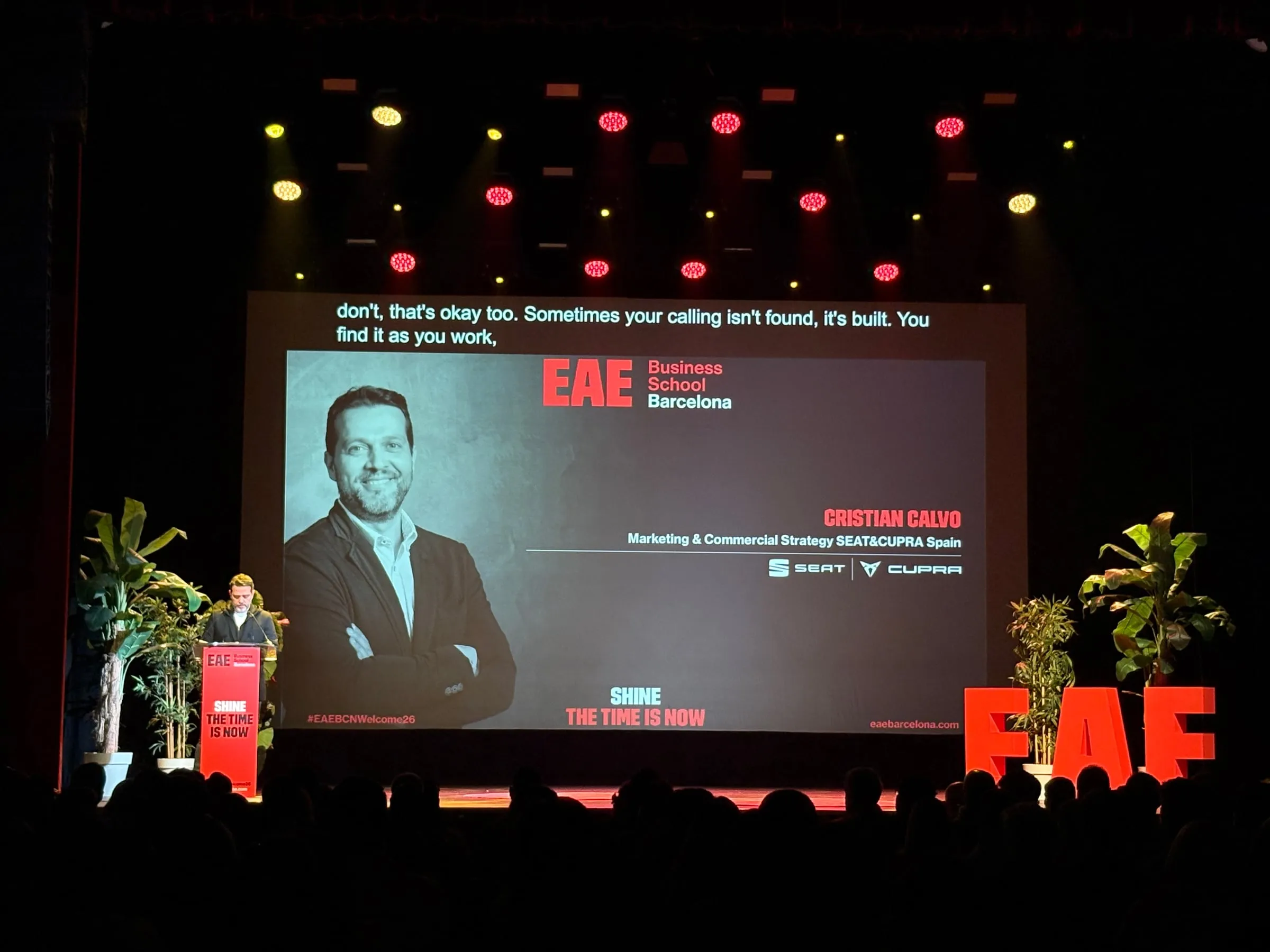
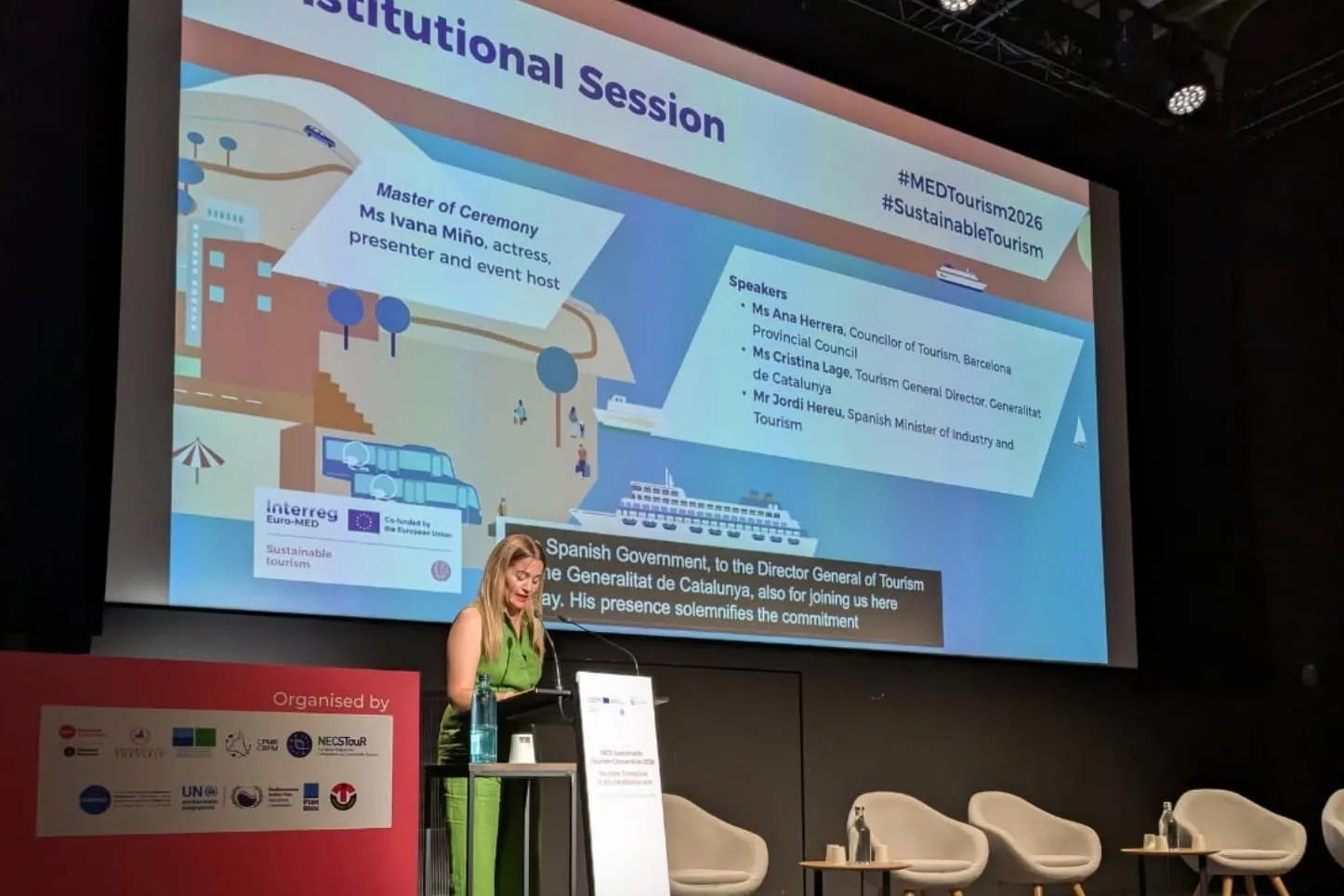
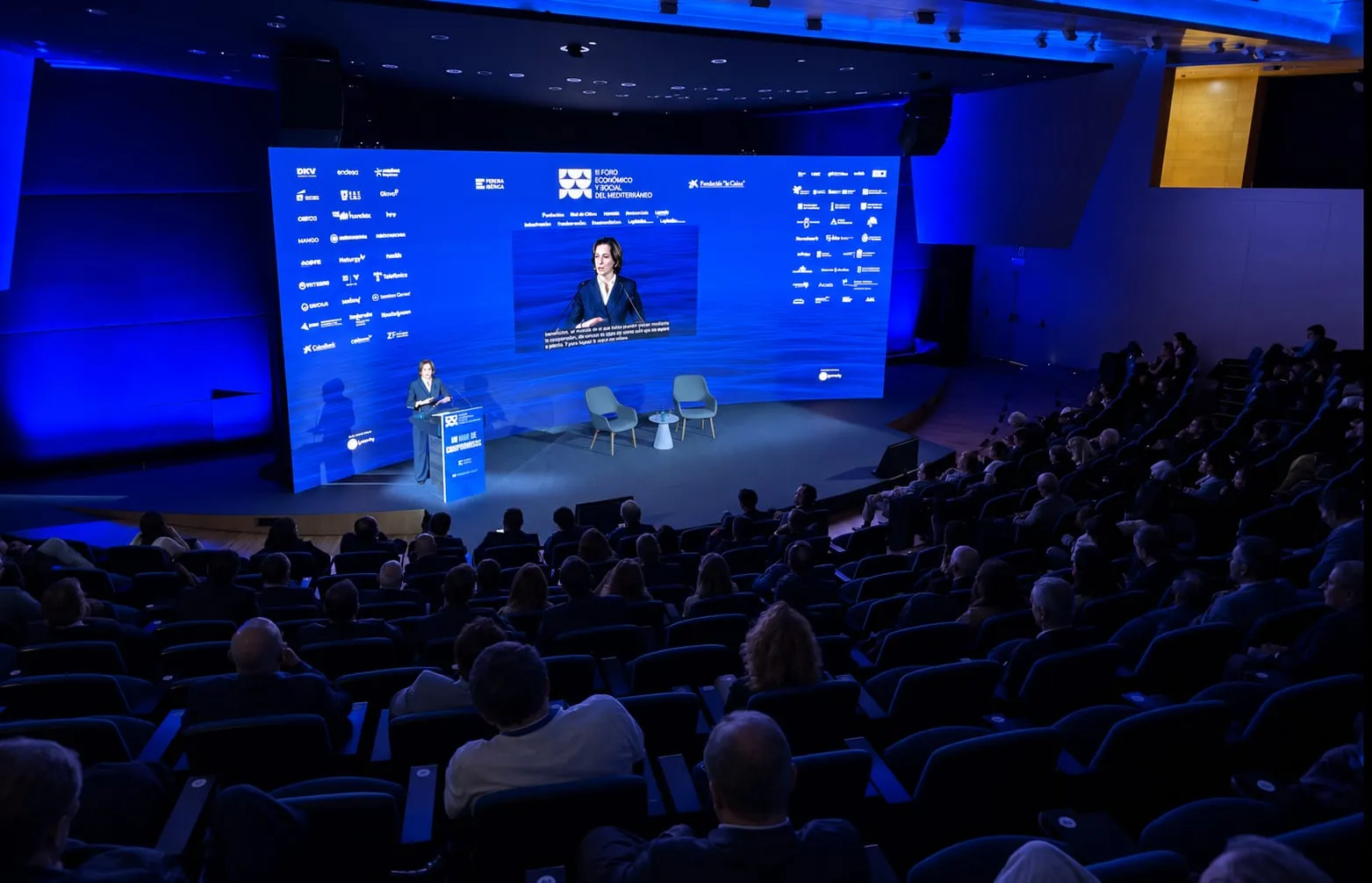
CosmoCaixa shows how each event places the text its own way. At Tech Spirit Health, Captions sat in a band under the slides on the main screen. At the European Pulse Forum, the live subtitles filled the room’s screens, the closing speech included. And at the Foro Económico y Social del Mediterráneo, the words ran under the speaker’s picture on the large screen at the back of the stage.
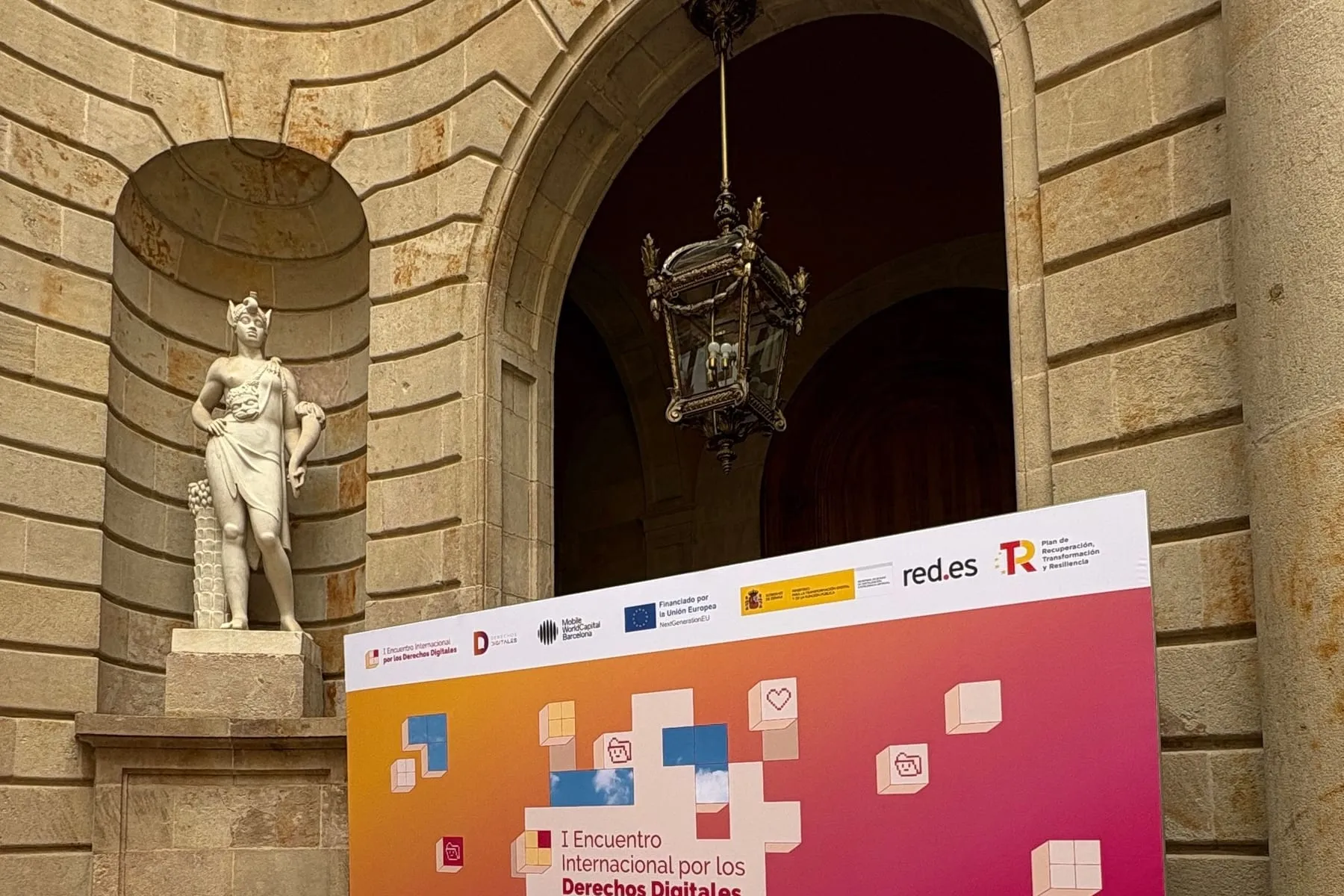
Something similar happened at the Llotja de Mar with two different gatherings. At Tech Spirit Barcelona 2025, a strip in Spanish ran alongside the stage feed on the auxiliary screens between the columns. At the I Encuentro Internacional por los Derechos Digitales, the captions filled the side screens beside the speakers.
How is a venue organised in Backstage?
The platform has four levels, and they match the way a conference centre works:
- Organization: the company or institution that manages the venue. Everything else hangs from it.
- Space: each venue. If a group manages several, each has its own and cannot see the others’ events.
- Event: each client’s congress, forum or ceremony, with whatever rooms and languages it needs.
- Room: where each session takes place, with its mode and its own QR code.
That separation isn’t a matter of screens: the database enforces it. And if a production company streams the event, it gets in with a link that shows only its own connection and can be revoked whenever needed.
Does the glossary have to be prepared for every event?
Not all of it. What belongs to the house (the city, the sponsor, the titles only used there) is written once in Knowledge, and every event held there gets it right. What changes, the speaker, their organisation and their specialist terms, goes into each talk’s glossary, built from the programme, the presentations or a recorded rehearsal.
And in exhibition halls and landmark buildings?
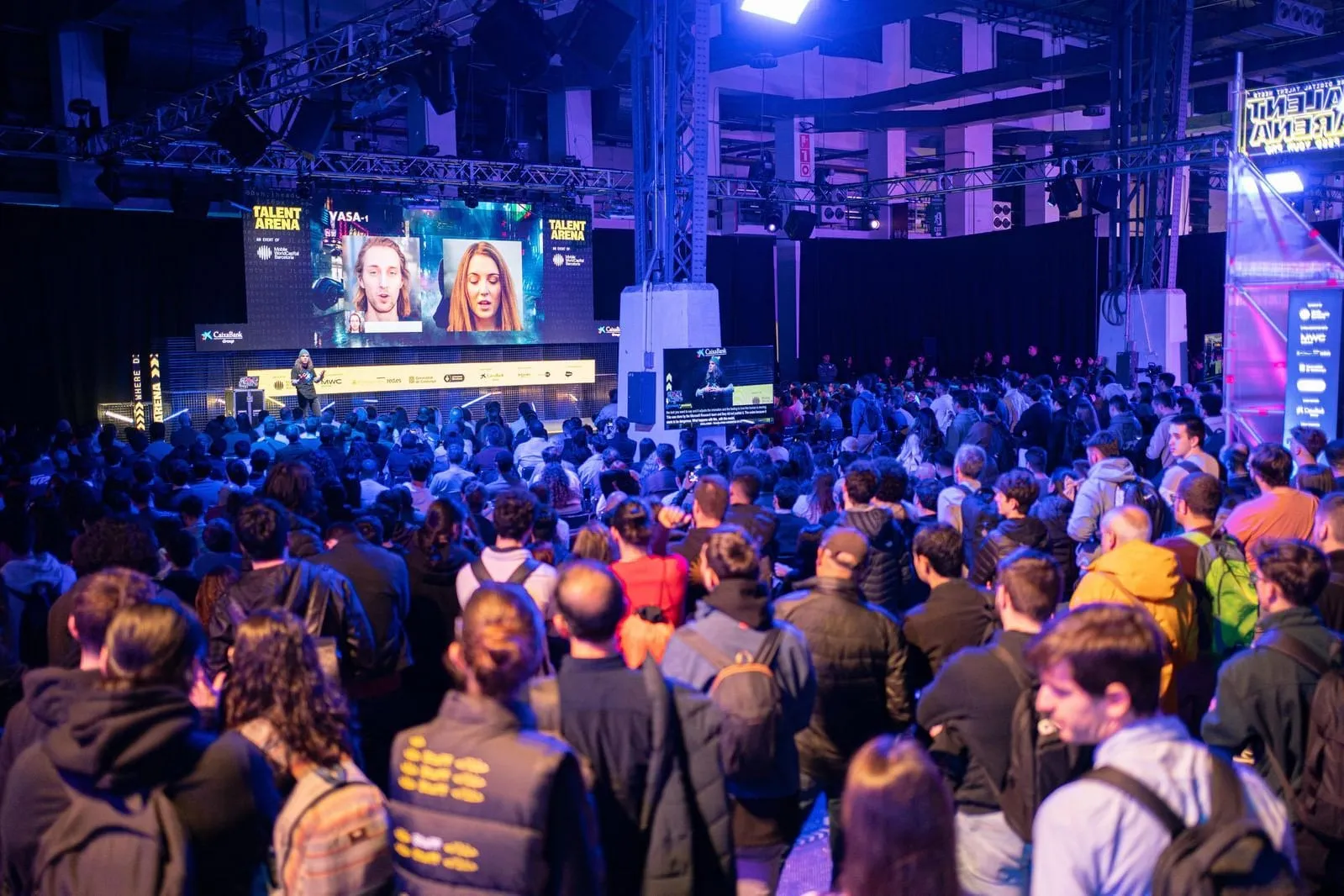
It works the same way, often with what is already there. At Fira de Barcelona Montjuïc, during Talent Arena 2025, we connected the caption output to the auxiliary screens the venue already had switched on: no new screens and no changes to the production. The cover shows that main stage, with one of those screens on a column. A year later, in the same hall, Talent Arena 2026 added interpretation on phones to the captions on stage.
At IFEMA Madrid, during SAP Connect Day, a huge multi-sided screen presided over the central stage, and Captions filled it with subtitles that could be seen across the whole hall. And in the Basílica de la Sagrada Família, guests of the International Union of Architects followed the presentation of its Gold Medal with Speech, each of them in their browser via a QR code, to listen or to read, while Captions put the text on the screens along the nave.
What does the venue team do on the day?
Very little, if everything is ready:
- Arm the console early. It can be left ready first thing for a mid-morning session, and it gets going by itself with the first word.
- Press Crosscheck. One button checks the microphone, the latency, the venue’s network and the Wi-Fi, with time left to fix anything.
- Move around the building. The full console runs on a phone, so the technician can walk between rooms and hear in their headphones what is really arriving.
- Trust the watchdog. If a screen stops receiving text, the connection rebuilds itself without anyone touching a thing.
Where do you start?
- An inventory of rooms: which screens each one has, and which ones have a sound desk.
- The house glossary, written once for the whole year.
- Where the QR code goes in each room: on the screen, on a sign by the door or on the badges.
- Who runs it: your technical team, each organiser’s or ours.
- A test in every type of room, from the auditorium to the small room, before offering it to clients.
Read next: Live captions for events: screens, languages and readability and AI simultaneous interpretation at conferences: how it works.
If your venue hosts congresses, the page on simultaneous translation for conferences explains how we work with each organiser. And if you want to see it in your rooms, tell us about your venue.